
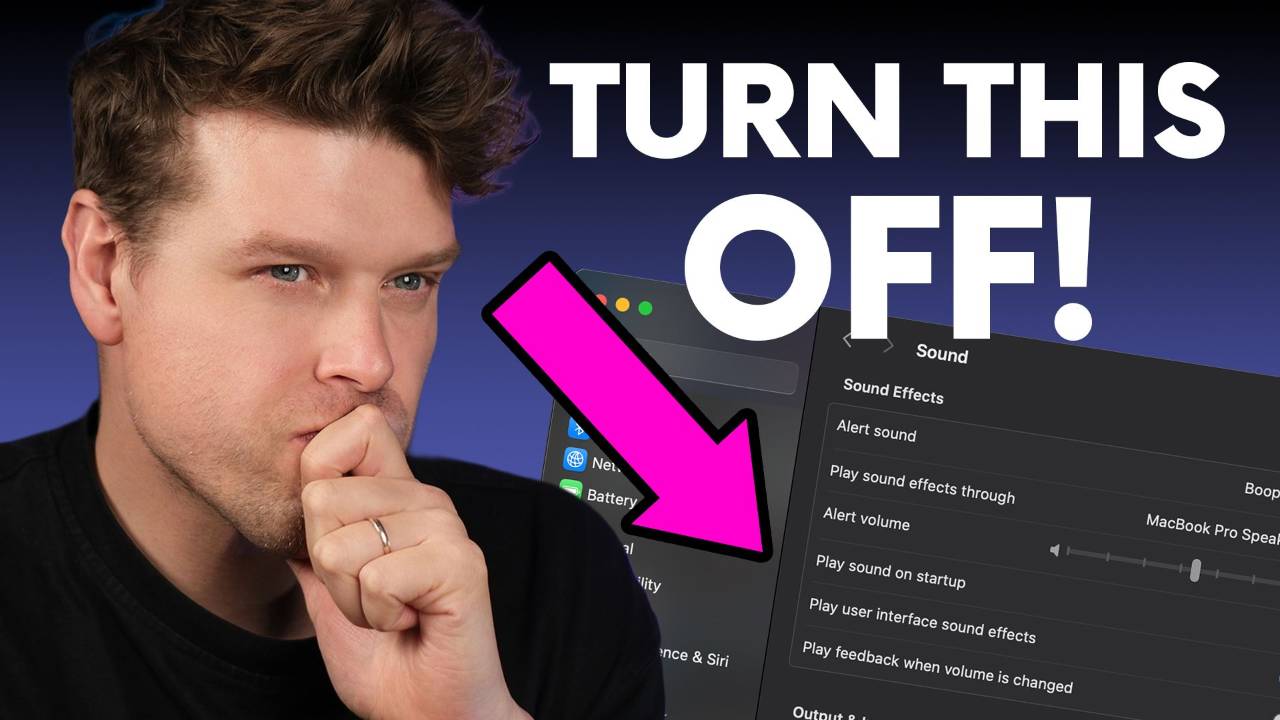
How to Optimise Your Mac for Ableton Live Performance
If you perform with Ableton Live, yes, you should change your Mac settings before going on stage.
Default macOS features are not built for real-time audio performance. Background services, wireless activity, indexing and power-saving beh...
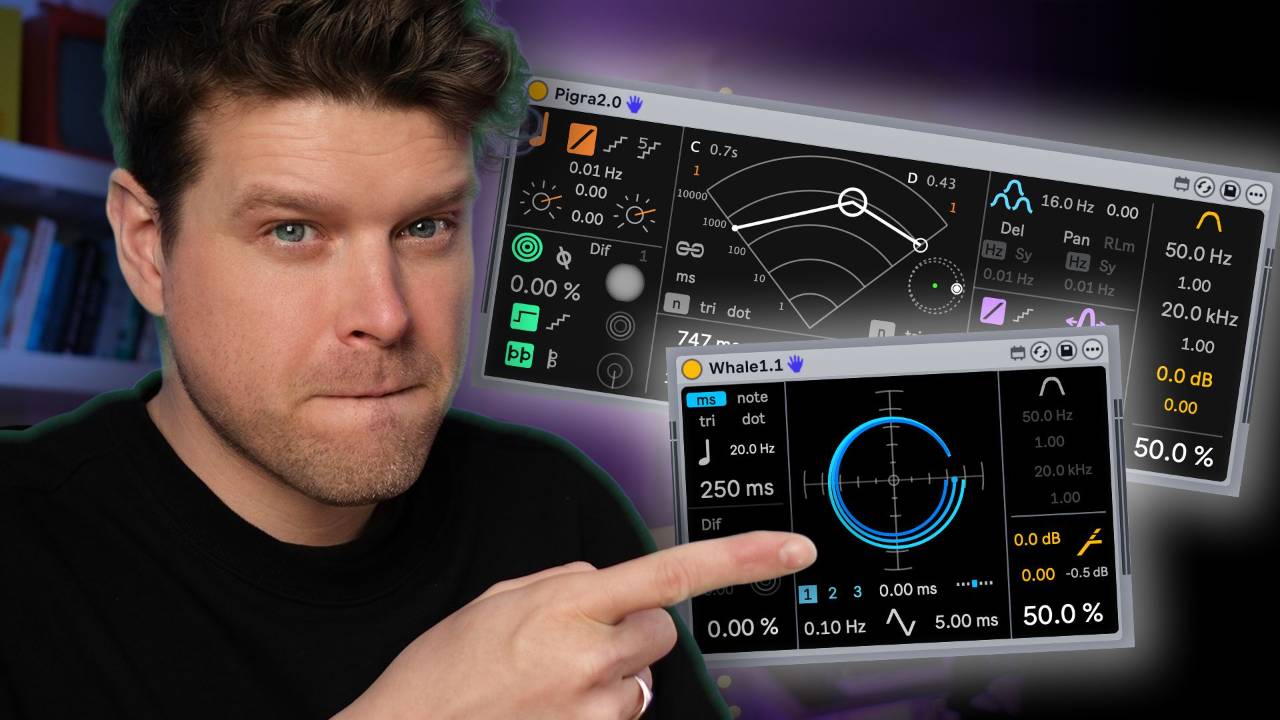
If you want controlled chaos and evolving movement in Ableton Live, Pigra 2 and Whale are the kind of Max for Live devices that instantly wake up static sounds. They behave more like mini modular rigs than simple delays, constantly shifting, mutating and surprising you in musical ways.
Key...
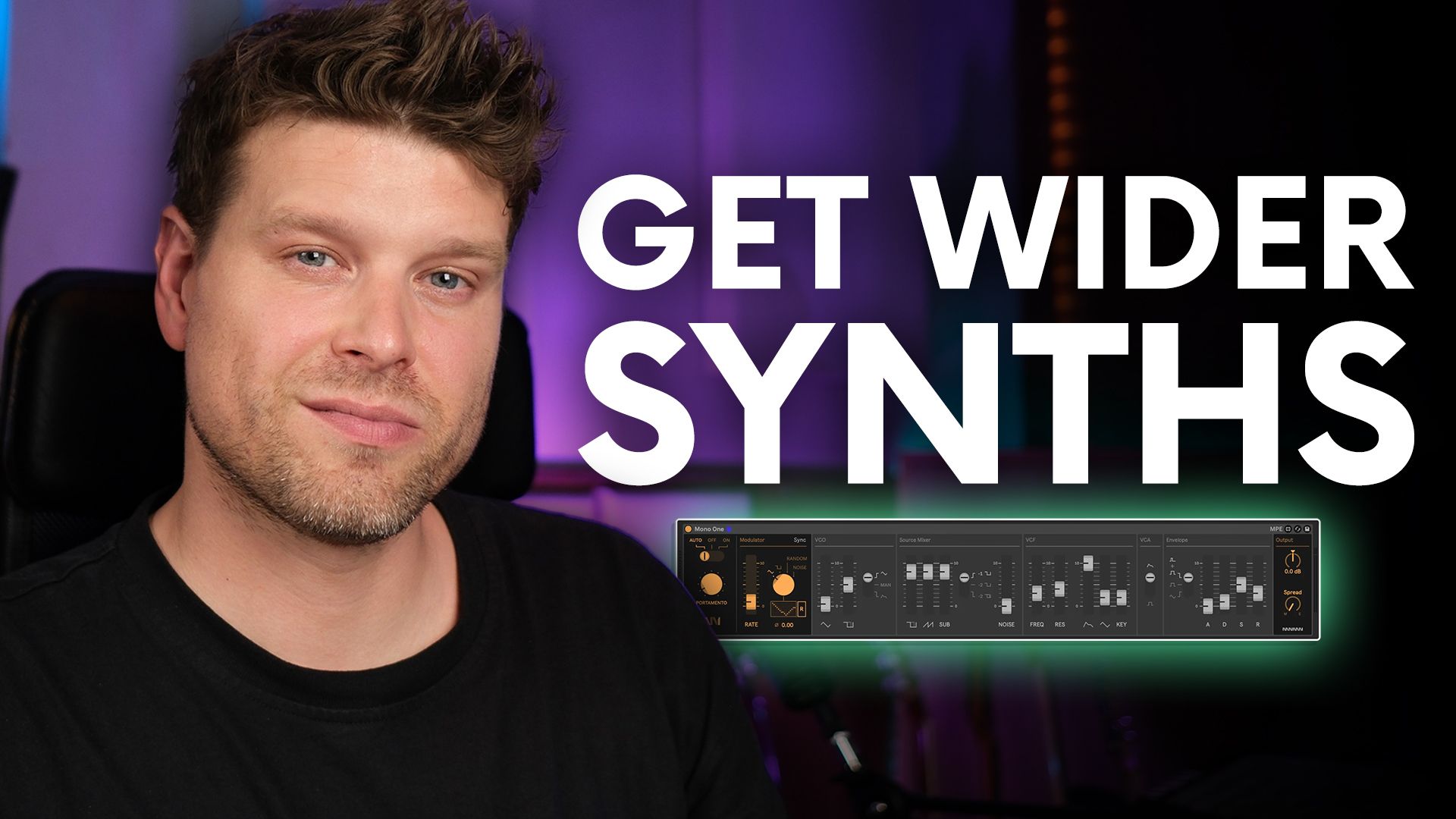
Why Mono Might Sound WIDER Than Stereo
A mono synth can make your pads sound wider than you'd expect. The trick lies in the "Mono Stack Method," a clever technique that uses multiple mono tracks to create rich, stereo-like width without needing stereo effects.
Key Points
-
Mono stackin...

Want to capture Bicep’s signature sound?
This guide shows how to recreate Bicep’s distinctive feel in Ableton Live using three simple sound design tricks that require no complex setup.
Key Techniques to Sound Like Bicep
-
Use Envelope Follower to map groove to synth filters
-
Gat
...

How to Recreate Jon Hopkins’ Emerald Rush Synth Sound in Ableton Live
You can recreate Jon Hopkins’ Emerald Rush synth sound without his custom plugin. Using only Ableton Live stock effects, you can build it in under ten minutes.
Key Points
-
Original sound used a custom Tim XL plugin
...

How to Use iZotope RX with Ableton Live Without Killing Your CPU
The best way to use iZotope RX with Ableton Live is to run it as a standalone sample editor, not a plugin.
This keeps your sessions smooth, stable, and CPU-friendly, while still giving you RX’s powerful clean-up tools.
Key...

Why I Switched from Logic Pro to Ableton Live (and the Four Tet Trick You Need)
The fastest way to unlock creativity in beat-making is to sequence MIDI first and sample later. This flips the usual producer workflow and helps you avoid getting stuck hunting for “the right” sound.
It’s a metho...

If you're wondering whether the original Ableton Push 1 is still worth buying in 2026, the answer is yes, especially if you're on a budget. It works seamlessly with Ableton Live 12.4, delivers core functionality, and can be picked up secondhand for under £100.
Key Takeaways
-
Works nativel
...

How to Use Auto Filter in Ableton Live (Complete Guide)
Auto Filter is one of Ableton Live's most powerful and flexible effects, and it just got significantly better. Whether you're shaping tones in the studio, running live sets, or experimenting with sound design, Auto Filter gives you pre...
This guide shows you how to connect, configure, and customise your MIDI controller with Ableton Live
Key Points
-
Plug and detect MIDI controller instantly
-
Verify signal and set up MIDI ports
-
Map buttons, knobs, and faders manually
-
Use multiple controllers in one session
...
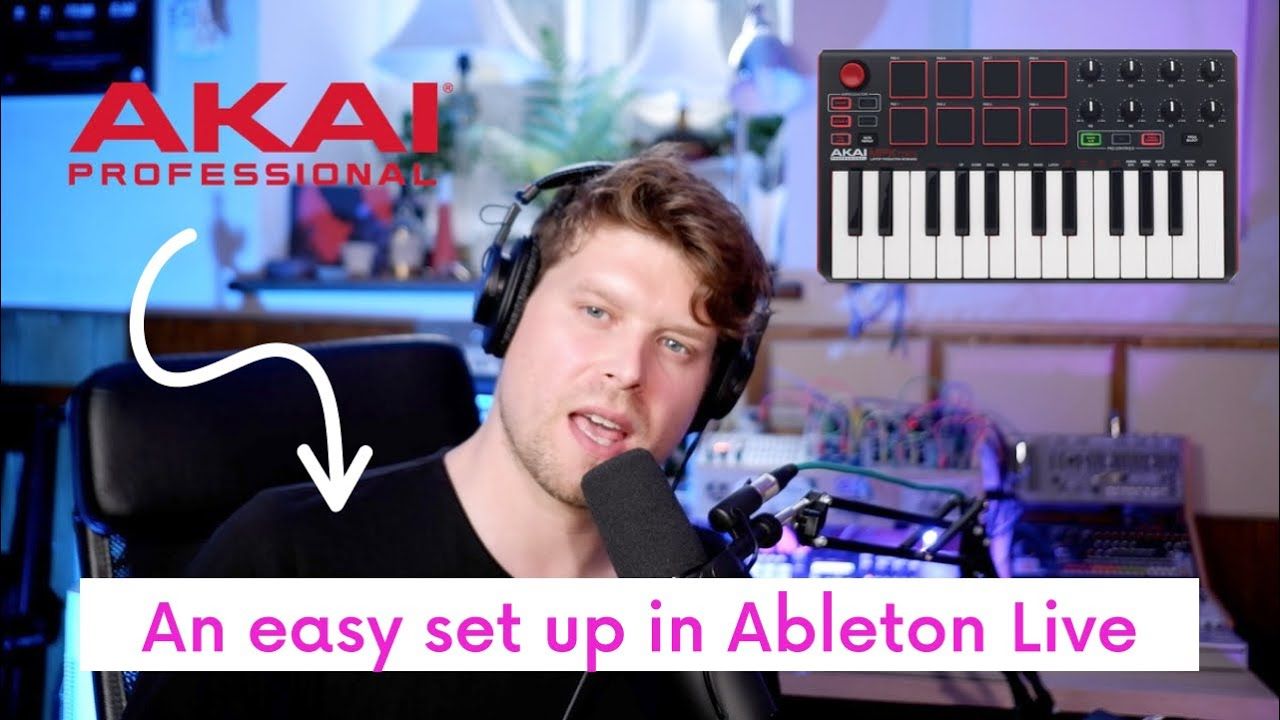
Setting up the Akai MPK Mini with Ableton Live 12 is fast and easy when you follow the right steps. This guide shows you how to connect, configure, and customise your MPK Mini to unlock its full potential in music production.
Key Points
-
Plug in and detect MPK Mini automatically via US...
// ]]> Want your vocals to sound pro? Use the Abbey Road reverb technique. This classic approach shapes the EQ before applying reverb, giving your mix clarity, depth, and polish. Here’s how to do it step by step in Ableton Live 12 using only stock plugins.
Key Takeaways
-
Use a return trac...
