For Push 3 owners who want results
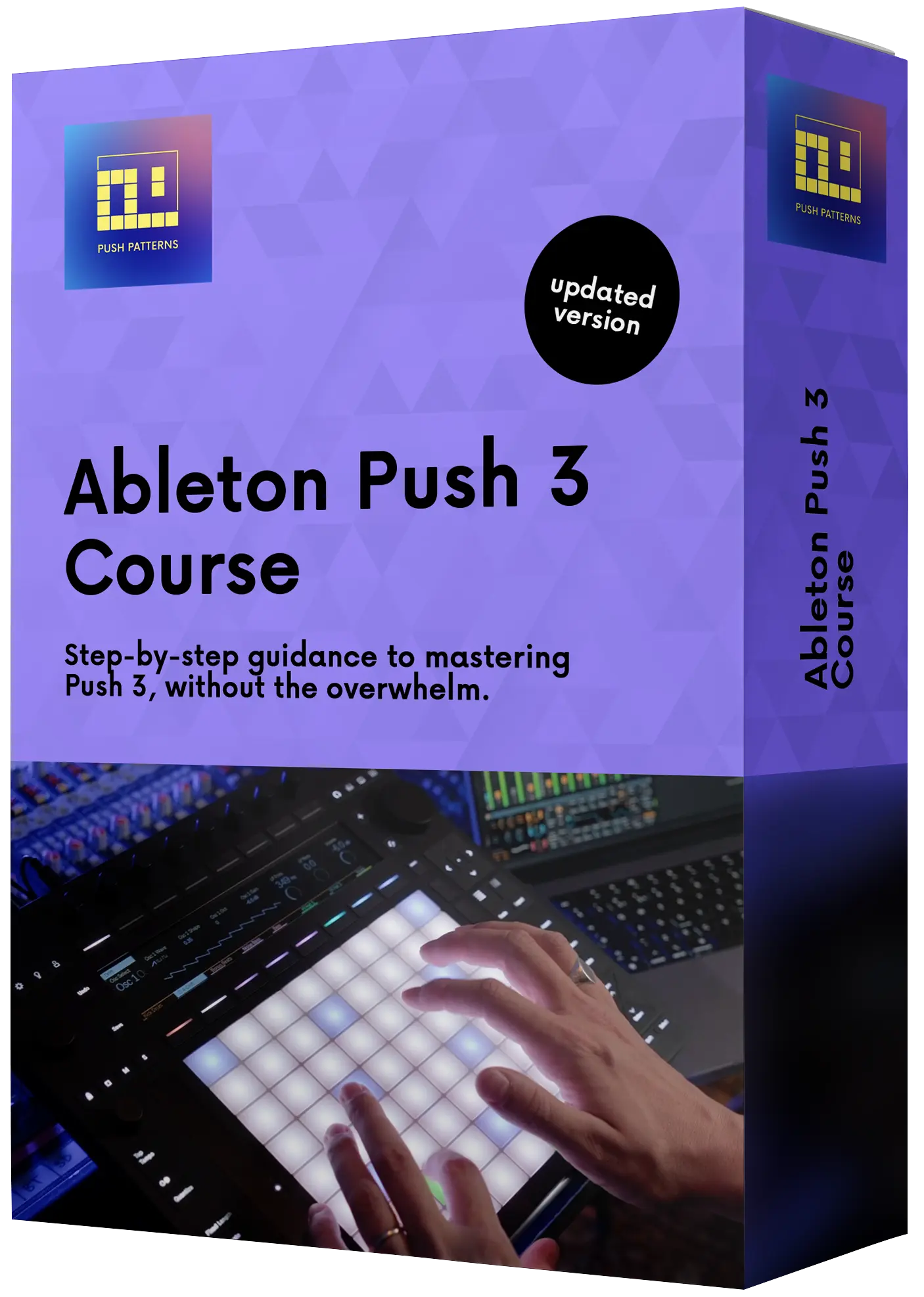
Ableton
Push 3
Course
Learn the workflow. Finish your tracks.
Lifetime access · Pay in instalments · Money-back guarantee
Is this you?
Is Your
Ableton Push 3
Gathering Dust?
- You bought Push 3… but now it just gathers dust.
- You've tried YouTube and still don't know where to start.
- You've got ideas but no clue how to turn them into finished tracks on Push 3.
- You want to use Push 3 standalone, but it feels limiting or confusing.
You're not the problem. You just don't have a system yet. That's exactly what this course gives you.
↓ Here's what's inside
The Framework
A System
for Learning
Ableton Push 3
Most Push 3 owners spend months watching tutorials, taking notes, and still never finish a track. That's not a skill problem it's a structure problem.
This course is built around one simple framework: Play, Create, Master. The same system I've used to help hundreds of students go from confused and stuck to finishing tracks that actually sound like them.
This is where it starts. You'll load clips, launch scenes, and explore what Push 3 can do with zero pressure to get it right. No theory overload. Just hands on pads, ideas flowing, and the realisation that this thing is actually fun.
Now you build. Note Mode, MPE, Drum Mode, audio recording you'll learn how to loop, arrange, and structure your music from the ground up. This is where the ideas you played with start sounding like real songs.
Effects, gear sync, common fixes, and a full workflow module so you can find the way of working that fits you. This is where everything clicks and where most courses stop short. Not this one.
See the Results.
They Watched.
They Learned.
They Made Music.
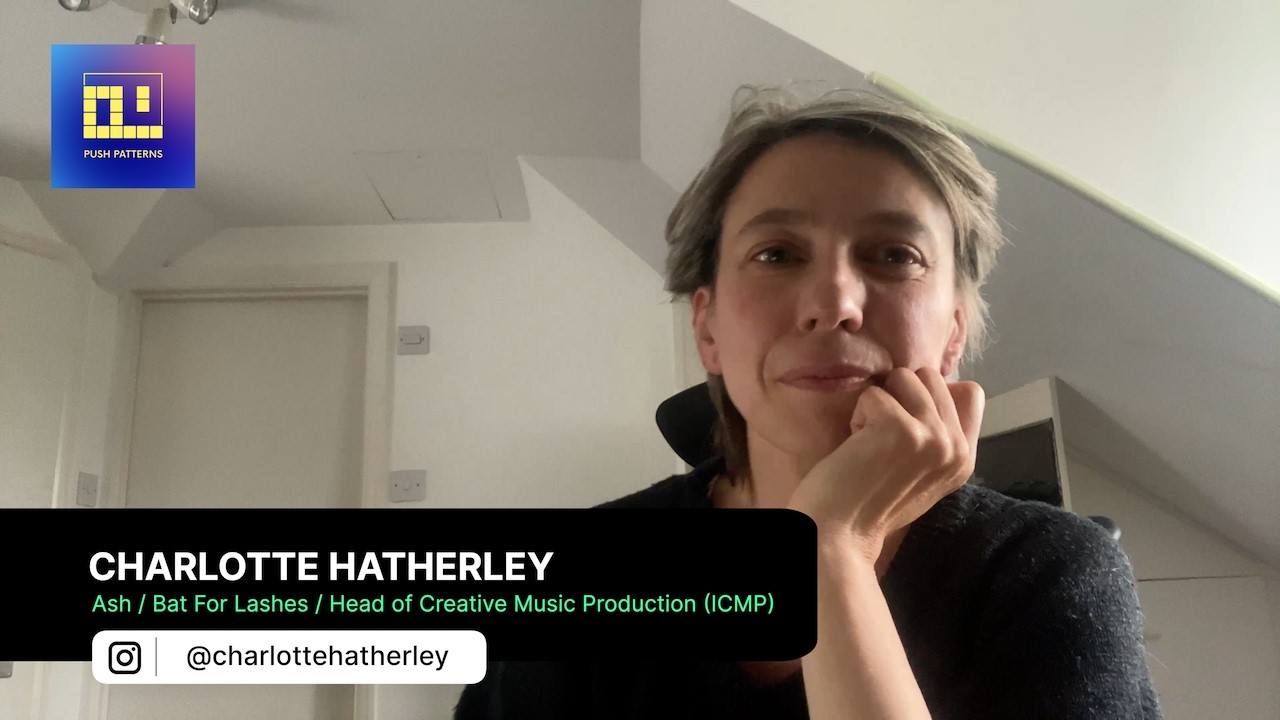
Real students. Real results. These are people who picked up Push 3, followed the system, and started finishing tracks. Watch what they have to say.
What's Inside
What You Will Learn
in the Ableton Push 3 Course
10 modules, 70+ lessons, with new content added regularly as Push 3 grows and develops.
Getting Started With Ableton Push 3
FoundationA complete overview of the Push 3 controller and its features so you know exactly what you're working with before you touch a pad.
- —Overview of Push 3 and its features
- —Setting up and connecting to Ableton Live
- —Standalone set-up and transfer modes
Push 3 Setup, Navigation and Workflow
WorkflowLearn to navigate Ableton Live entirely from the Push 3 hardware no mouse needed.
- —Navigating the Ableton Live interface
- —Basic controls: play, stop, record
- —Session, Note, Drum & User modes explained
Push 3 Session Mode
SessionTake control of your clips and scenes directly from the hardware, perfect for live performance and fast ideation.
- —Triggering clips and scenes
- —Duplicating and moving clips
- —Controlling volume, pan and parameters
Push 3 Note Mode and MPE
MPEPlay and record expressive MIDI performance using Push 3's Note Mode and its powerful MPE pads.
- —Introduction to Note Mode
- —Scales, modes and melodic recording
- —Setting up and using MPE pads
Making Beats With Push 3 Drum Mode
RhythmBuild, record and manipulate drum patterns with total control, straight from the pads.
- —Introduction to Drum Mode
- —Playing and recording drum beats
- —Editing and manipulating drum patterns
Recording and Looping Audio on Push 3
AudioRecord, warp and manipulate audio loops directly on Push 3 and convert them into playable instruments.
- —Audio set-up for recording
- —Manipulating and editing audio loops
- —Warp, auto-warp & converting to Simpler
Using Audio Effects on Push 3
FXLoad, control and perform with audio effects entirely from the Push 3 no screen required.
- —Loading and navigating audio effects
- —Controlling FX from the hardware
- —Applying and performing with effects live
Connecting MIDI Controllers and Synthesisers
MIDIExpand your setup by connecting external MIDI controllers and synthesisers to Push 3.
- —Setting up external MIDI controllers
- —Connecting external synthesisers
- —Sending & receiving MIDI, recording audio
Connecting Push 3 to a Modular Synth
ModularBridge Push 3 and your modular system using Ableton Live's CV capabilities for expressive, experimental control.
- —Setting up audio CV in Ableton Live
- —Getting to know CV tools
- —Controlling modular with MPE pads
Creative Push 3 Workflows and Live Performance
PerformancePut it all together with real-world creative workflows and keep unlocking new ones as Push 3 keeps evolving.
- —Creating templates & beat making
- —Live looping & Techno improv
- —Live performance with Push 3 & more
And that's not all… When you join today, you'll also get these free bonuses:
When you join today, you also get:
Bonus #1
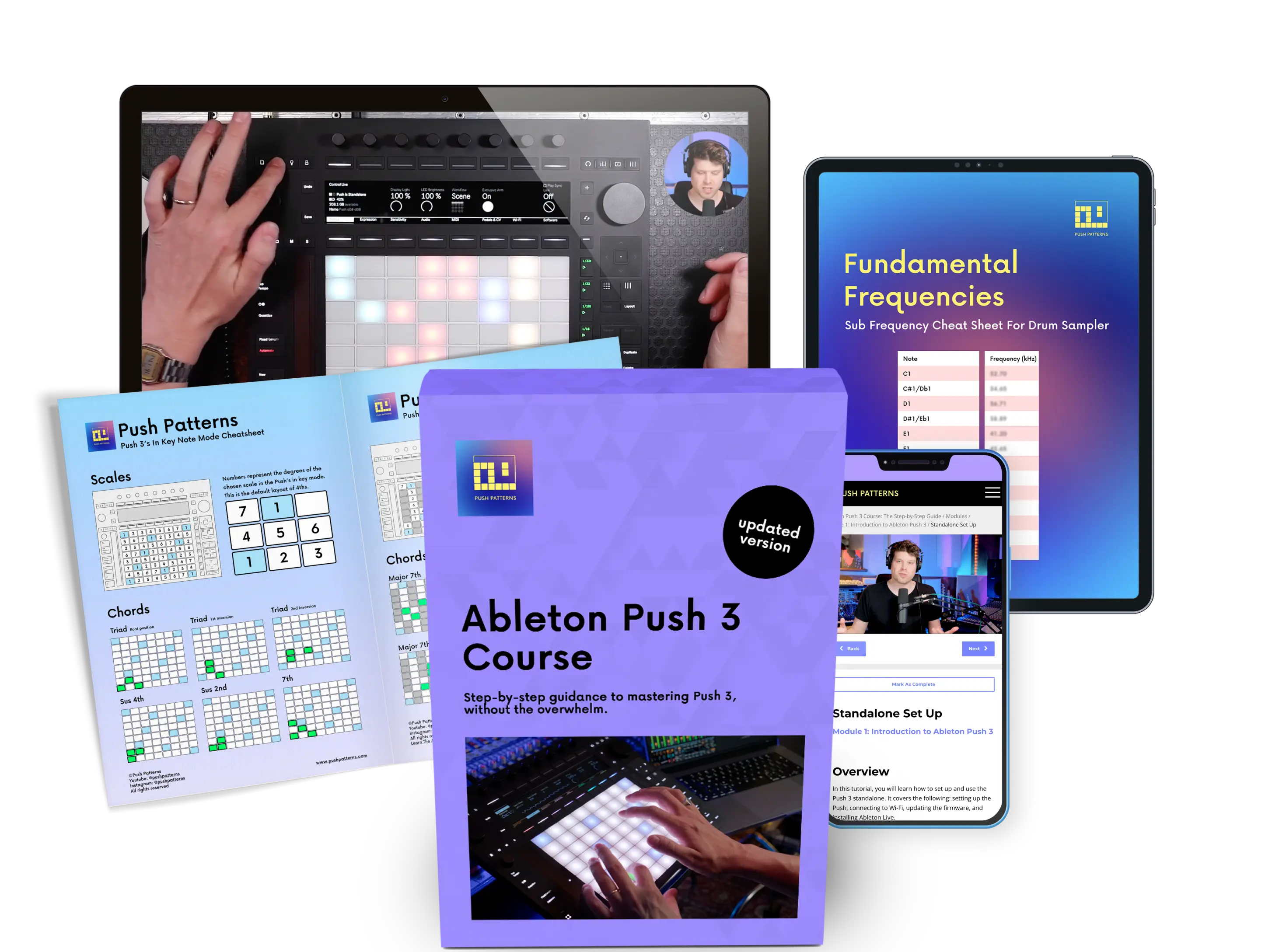
PDF Cheatsheets
Quick-reference guides that keep you in the creative flow. Find your way around Push 3 fast, without breaking your session.
Bonus #2
Sample Packs + Presets
Ready-to-use stems, samples and presets designed to sound great straight out of Push 3. Hit the ground running from day one.
Bonus #3
Project Templates
Stop scrolling through endless menus. Pre-built templates get you creating immediately. No setup, just ideas.
Your Instructor
Meet Your Ableton
Push 3 Instructor
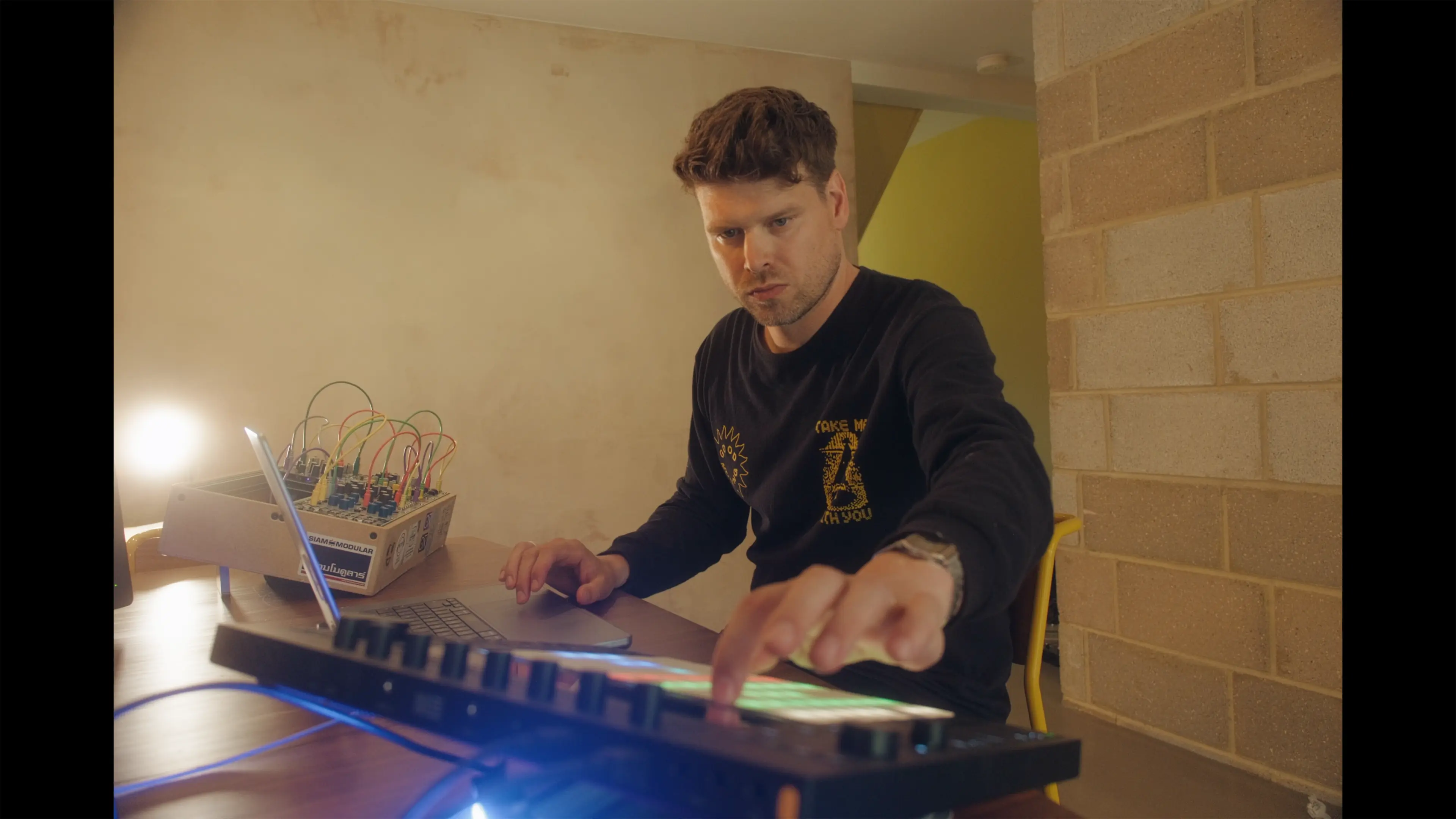
I'm not a "content creator" who learned Push 3 to make videos about it. I use this kit professionally every week, on stage and in the classroom.
I'm Craig founder of the Push Patterns YouTube channel with over 31,000 subscribers, and a working playback tech for artists including Sam Fender, Melanie C and Years & Years, and on primetime TV shows like Name That Tune and Don't Forget the Lyrics.
I've also spent years teaching thousands of students at top UK music schools and built an Ableton curriculum focused on one thing: helping people actually make music, not just learn buttons.
Enrol Today
Choose Your
Ableton Push 3 Course Access
Everything you need to go from stuck to making real tracks on Push 3.
Essential
Total value: £500+
- ✓12+ hours of content
- ✓10 modules, 70+ lessons
- ✓24/7 Q&A access
- ✓Sample packs
- ✓Projects and templates
- ✓PDF help sheets and guides
- ✓Lifetime access
- ✓Refund guarantee
- ✕Private community with peer-to-peer support
- ✕Access to live Q&A sessions
- ✕Track feedback
- ✕Custom GPT for instant tech support and workflow help
Instant access · 14-day money-back guarantee · Pay in instalments
Premium
Total value: £800+
- ✓12+ hours of content
- ✓10 modules, 70+ lessons
- ✓24/7 Q&A access
- ✓Sample packs
- ✓Projects and templates
- ✓PDF help sheets and guides
- ✓Lifetime access
- ✓Refund guarantee
- ✓Private community with peer-to-peer support
- ✓Access to live Q&A sessions
- ✓Track feedback
- ✓Custom GPT for instant tech support and workflow help
Instant access · 14-day money-back guarantee · Pay in instalments
Got Questions?
Ableton Push 3 Course FAQs
Everything you need to know before joining the course.
Yes. Push 3 was designed to be intuitive you can start making beats and melodies without staring at your computer. Beginners like it because it feels hands-on and fun, not technical. The learning curve is there, since you're learning Ableton Live and the Push at the same time, but you can pick up the basics quickly.
No, you can learn them together. Push 3 was designed as a hands-on way to learn Ableton Live. That said, many beginners find it easier with guidance, since you're learning software and hardware at the same time. This course is tailored for Push 3 and will make the process smoother. If you are interested in learning Ableton Live separately, you can find that course here.
Yes. The course covers both creative workflows and the full functionality of Ableton. We build a track together throughout all the modules, adding to it each step of the way. Then we look at more advanced alternative workflows to really get the most out of Ableton Live 12 and Push 3.
Most people can start making beats in their first session. To feel fluent usually takes a few weeks of regular practice. With a structured course, you'll save time because you'll learn in the right order, without trial and error.
Expect some learning curve, especially if you're new to Ableton Live. Start simple record a beat and a melody, then grow from there. After a few sessions, most users say the workflow clicks and becomes second nature.
No. Push 3 has scale and chord modes that help you stay in key. You can learn theory as you go, but you don't need it to start making tracks.
If you are not completely satisfied with the value provided by this course, you can receive a full refund within 14 days of purchase, as long as you have completed less than 50% of the course.
Still have questions? Book a free 15-minute call and we'll answer anything before you join.
Book a Call →See It In Action
Preview the Ableton Push 3 Course
This exclusive preview will give you a taste of the practical skills and techniques you'll gain throughout the course.
Last Chance
Start Learning
Ableton Push 3
Today
Every day it sits on the shelf is a track you didn't make. Join 700+ students who stopped watching tutorials and started finishing music.
Join the Course TodayInstant access · 14-day money-back guarantee · Pay in instalments
Included With Premium
You Don't Have To Do This Alone
Most people don't give up on the Push 3 because it's too hard. They give up because they get stuck at 11pm on a Tuesday with nobody to ask. That's the bit Premium fixes.
01
The Private Community
A room full of Push owners working on the same thing you are. Post a photo of your session, get a straight answer back. No algorithm, no trolls, nobody plugging their SoundCloud.
02
Accountability That Sticks
Nobody finishes tracks on willpower alone. You get live Q&A sessions and real feedback on your music, so there's always a reason to switch the Push on again this week.
03
Tech Support Around The Clock
Push won't connect. Standalone mode playing up. Samples not transferring. Ask and get an answer, whatever time it is, instead of losing an evening to a forum thread from 2019.
04
Your Own Push 3 Assistant
A custom GPT trained on the whole course and on Push 3. It knows the menus, the shortcuts and the workarounds. Closest thing to having me sat next to you.