
 Step 01
S is for Standardise
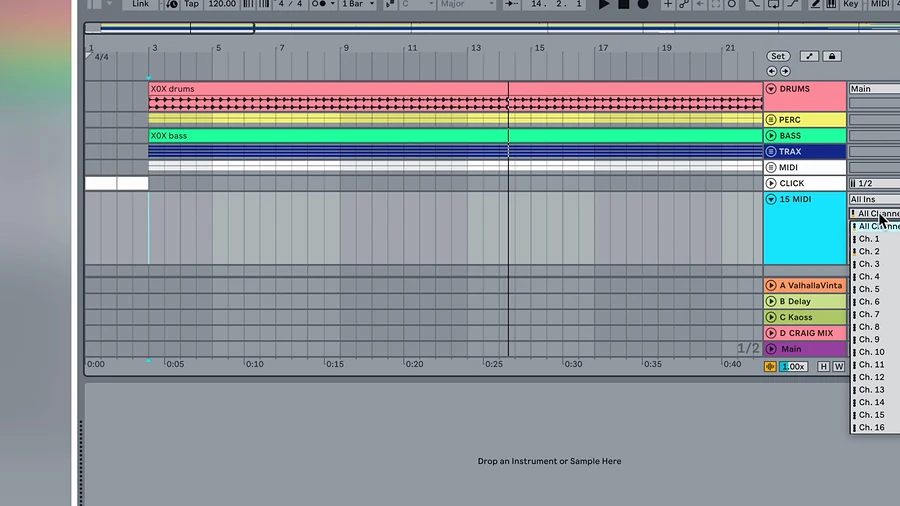
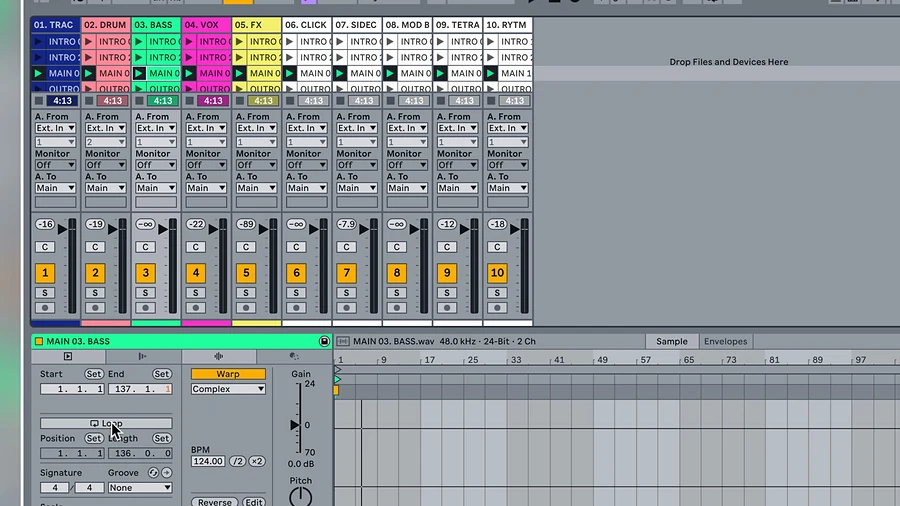
One Ableton live set template every song drops into. Same routing, same order, same naming, so nothing surprises you on stage.
Built on years of touring, the SAFE System™ teaches you how to build a stage ready Ableton Live set and perform your music live with confidence.
 Watch first
Excellent Ableton Live instruction. Also the Push 3 course and Live Performance course are fantastic as well. I highly recommend!
Confidence on stage doesn't come from luck. It comes from preparation.
4 steps that take a song from the studio to the stage.
Developed through years of playback teching for major artists and TV shows.
The same system behind professional live shows, handed to you step by step.
Lifetime access. 14 day money back guarantee. Pay in 3 available at checkout.
5 modules and 77 lessons covering the full SAFE process in Ableton Live 12.
The full SAFE process in Ableton Live 12, from planning the show to show day.
Step by step lessons on integrating modular synths, hardware gear and external effects.
For every stage of your setup, including backing track and cue management templates.
For common audio interfaces and mixers, so your rig works first time.
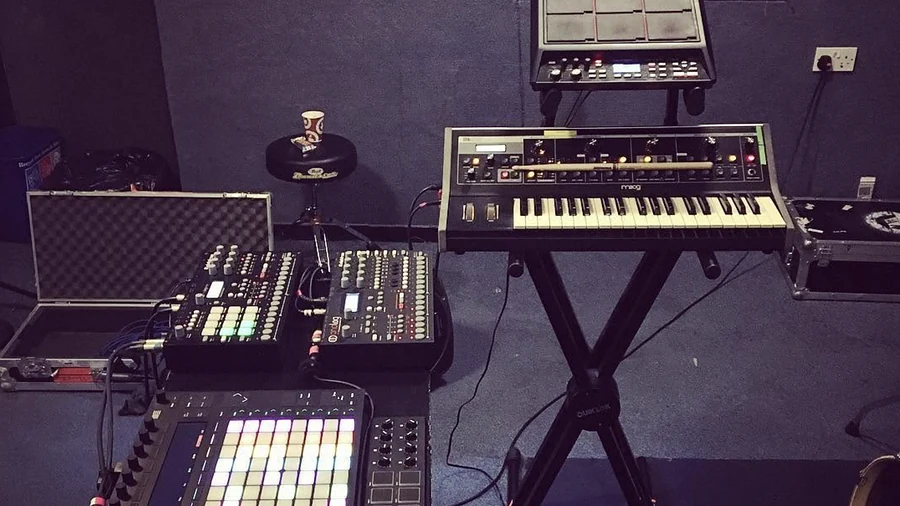
Real touring rigs, taken apart so you can see exactly how they're built.
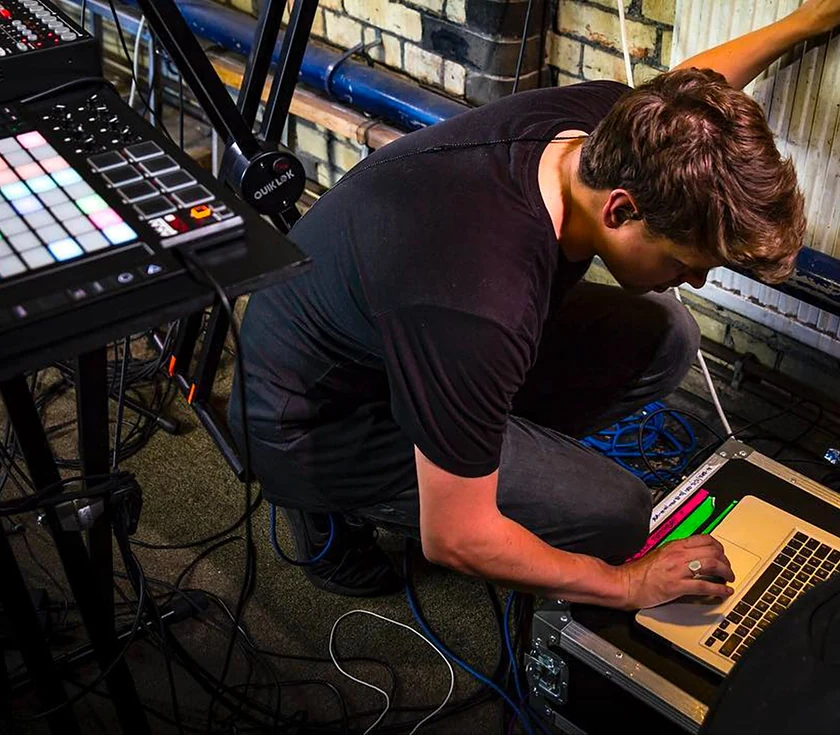
Standardise, Assemble, Finalise, Execute. 4 steps, and every one exists to keep your setup solid.
Step 01One Ableton live set template every song drops into. Same routing, same order, same naming, so nothing surprises you on stage.
 Step 02
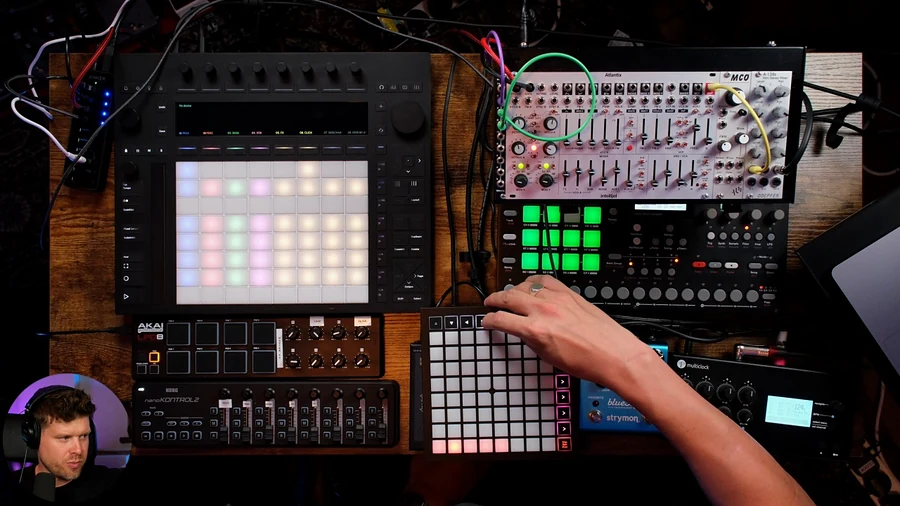
Your tracks in 1 clean, reliable Ableton live set. Clips, stems, backing tracks and scenes, arranged so you always know what fires next.
 Step 03
Routing, click, headphone mixes, MIDI mapping and backups, locked down. This is where Ableton live performance setups fall over. Not yours.
 Step 04
Rehearse, refine and perform knowing your setup is solid. Live looping, on the fly changes, and the unexpected handled without panic.
Bonus: Live looping. 3 lessons on looping audio and MIDI inside your live set, and looping in Arrangement view, without breaking your routing or click track.
If you're trying to set up Ableton for live performance and don't know where to start, you're in the right place.
Self paced, lifetime access. Follow it in order and your rig runs the same way every time.
Plan the show before you touch Ableton. Performance archetypes, choosing gear and a computer you can trust, MIDI controllers, audio interfaces, ADAT, hardware and modular, leads and MIDI clock, and Session versus Arrangement view.
Build the template every song drops into. Track files and warping, click and cue tracks, MIDI controller mapping and macros, audio interface configuration, external mixers and modular, stems, resampling, backups and a master chain.
Build the show file in Arrangement or Session view. Import your saved routings, manage effects and instruments dynamically, finalise your MIDI controllers and lock down saving and file management.
Audio outputs, seamless transitions between songs, performance FX, loop layers, a show intro, a soundcheck patch, and optimising your computer and Ableton settings for live use.
Rehearsal and mindset, comprehensive backups, recording and streaming your set, writing your technical spec, and the show day protocol.
Looping audio and MIDI inside your live set, and looping in Arrangement view, without breaking your routing or click track.
Ready made Ableton templates built on the SAFE structure so you start performing faster.
Clear walkthroughs for audio, MIDI controllers and backup paths, with options for any budget.
A printable checklist to keep your setup organised and reliable from soundcheck to encore.
Ongoing Q&A where I help students troubleshoot and refine their setups.
Lifetime access. 14 day money back guarantee. Pay in 3 available at checkout.
Premium includes the Push Patterns community: accountability, feedback and live meetups with people building the same thing as you.
Set a show date, post your progress, and have people expecting you to hit it.
Share a track or a set and get notes from the community before it goes near a stage.
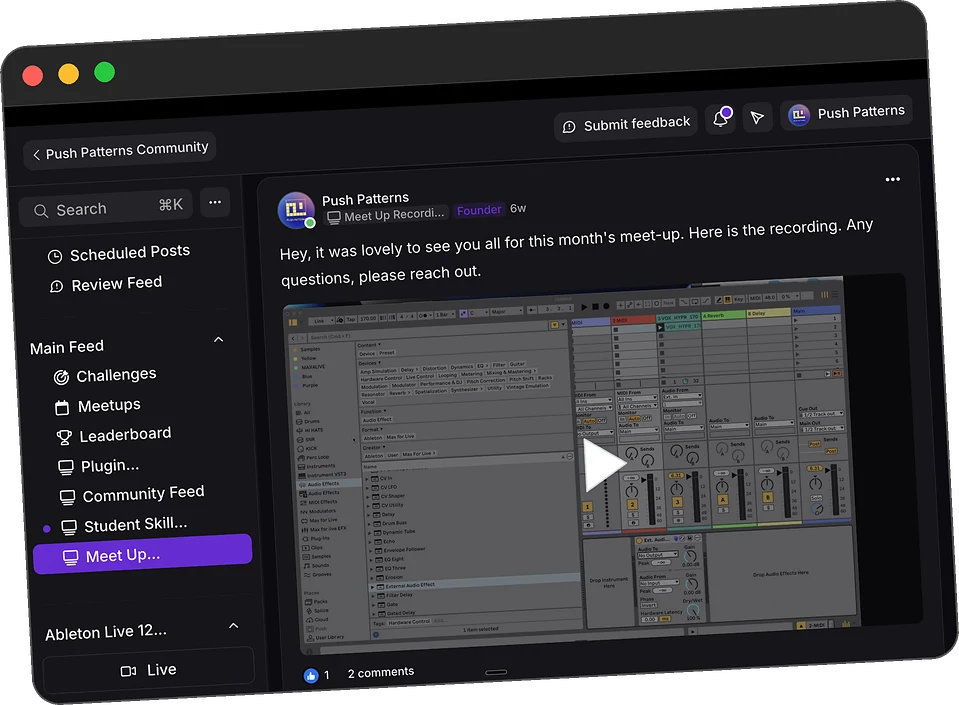
Regular online live meetups, recorded and posted in the community so you never miss one.
Ask about your rig, your interface or your controller and get a straight answer.
The Live Performance Course Assistant, trained on the course, for the questions that come up mid build.
Community access is included with Premium.
That's what the SAFE System is for. Routing, click, backups and a show day protocol, built on tours and TV shows where nothing could go wrong. Once your rig is solid, you can enjoy performing again.
Free tutorials teach features, not structure. You end up with random tips and no clear path. The SAFE System gives you one process, in order, from studio to stage.
You don't need any. Ableton Live and a laptop cover the full course. When you're ready, the bonus lessons add a MIDI controller, Push, modular and hardware without breaking what already works.
Choose Essential or Premium. Both include lifetime access to the full course.
The full course and every bonus
Lifetime access · Pay in 3 available at checkout
Get Essential →Secure checkout · Instant access · Card or PayPal
Everything in Essential, plus support
Lifetime access · Pay in 3 available at checkout
Get Premium →Secure checkout · Instant access · Card or PayPal
Try the course for 14 days. If it doesn't help you feel more confident performing live, ask for a refund. No stress, no risk. T&Cs apply, full details at checkout.
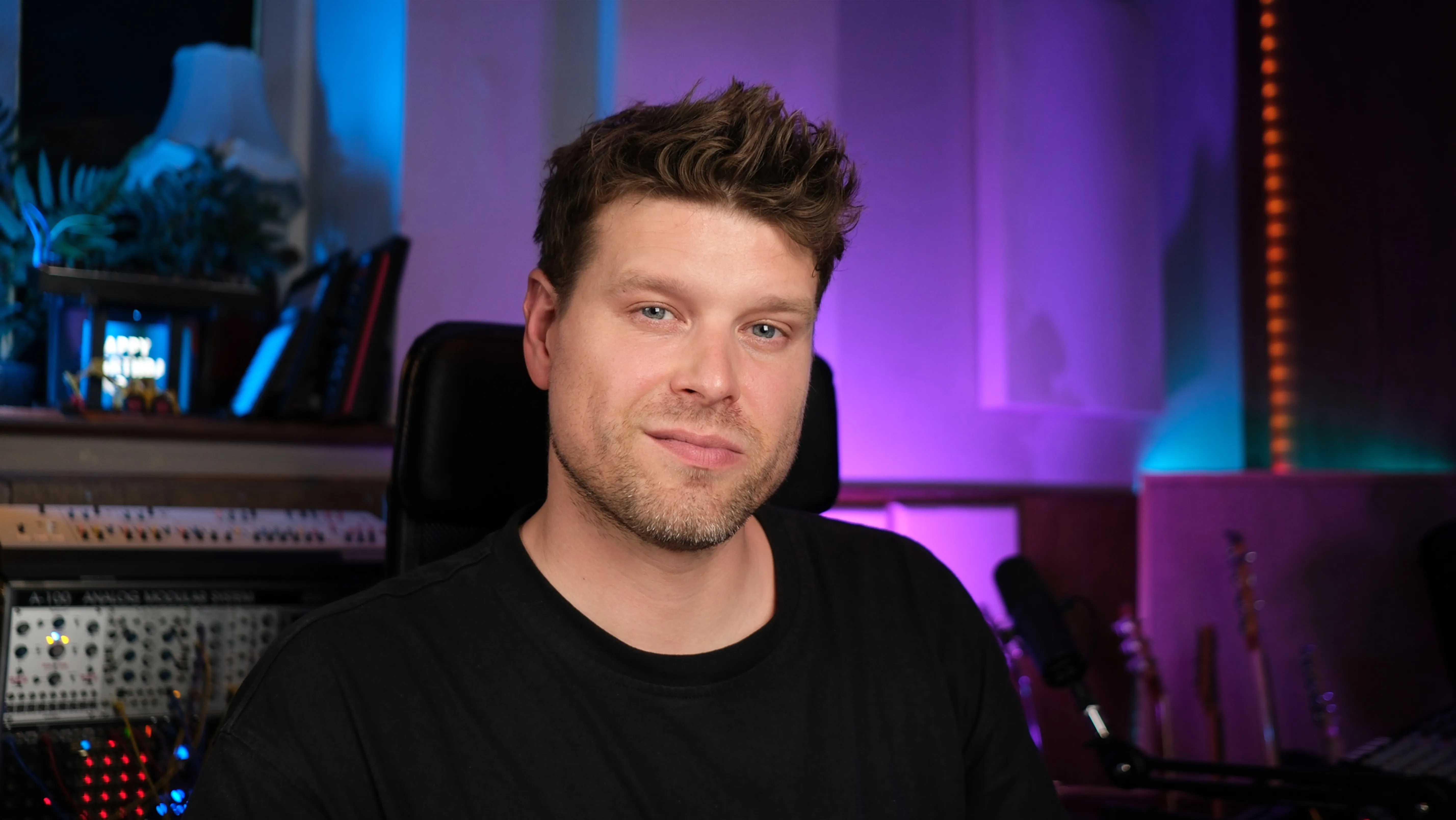
I'm an Ableton specialist and educator. I've spent years building and running Ableton live performance setups for artists including Sam Fender, Mel C and Years & Years. Arena tours, festival stages and prime time Fox TV game shows.
I've also taught Ableton Live at universities across the UK for the past 10 years, at ICMP, BIMM, ACM and more, and thousands of students online at Push Patterns.
I built the SAFE System™ the hard way. By watching things fail in front of thousands of people and fixing them under pressure. After countless shows I turned those lessons into a clear structure that keeps live sets solid.
Every lesson in this course is built on real experience, tested where things absolutely cannot go wrong. It's the same system I use today, and the one I now teach to producers who want to use Ableton for live performance with confidence.
Submitted on Trustpilot by students after learning with Push Patterns.
I was able to move at my own pace
Understanding how to transfer projects from the Push to my laptop was key to integrating Push into a live performance setup, so I could make tweaks on my laptop at soundcheck, save the session and make sure there was a back up on my laptop.
Worth the time and the money
I've used Live and Push for almost 10 years but I've never felt as thought I'm getting all the bang for my buck. I took a chance on the Push Pattern course and my skill level has grown dramatically. Next for me is the performance course.
Best Ableton course
There are many, many videos, sites and courses out there devoted to teaching Ableton Live, but Push Patterns is definitely the most indepth and structured course that I've come across.
Good, no fluff course
Craig doesn't waste words and doesn't repeat himself so you have to pay attention, but you get a very compact, concise and detailed introduction.
None of them comes close
I have taken 3 different online Ableton courses. None of them comes close to PushPatterns. Craig is an accomplished musician, producer and a very patient Ableton Instructor.
Life saver!
A must have if you want to skip long hours of fumbling around and reading the manual. This course helps save you time and frustration in the ever changing fast paced music industry.
Yes. It's what the world's top electronic artists and touring bands use. This Ableton live performance course shows you exactly how to use it, from your first rehearsal to show day.
Producers with some experience in Ableton Live who want to play their music live. Not suited to complete beginners.
The course is based on Live 12 but the principles work in Live 10 and 11 too.
No. You can follow the full course with only Ableton Live and a laptop. Bonus lessons show how to add a MIDI controller, Push, modular and external hardware to your Ableton live performance setup.
Yes. Live looping is part of the Execute module, including how to set up loopers inside your live set without breaking your routing or click track.
It's covered in full in the Finalise module. Routing the click to the drummer or your in ears, keeping it out of front of house, and building it into your Ableton live set template so it's there for every song.
Most students complete their live set within a few weeks, depending on how many tracks they have.
If you try it and don't feel more confident, you get a full refund within 14 days.
Free tutorials teach features. They don't give you structure. You end up with random tips, half solutions and no clear path. The SAFE System™ fixes that.
Still have questions? Book a free call and we'll talk through your setup, or email [email protected].
Every artist deserves to walk off stage buzzing, not broken. Once you know your rig is solid, you can enjoy performing again.
Lifetime access · 14 day money back guarantee · Pay in 3 available at checkout