
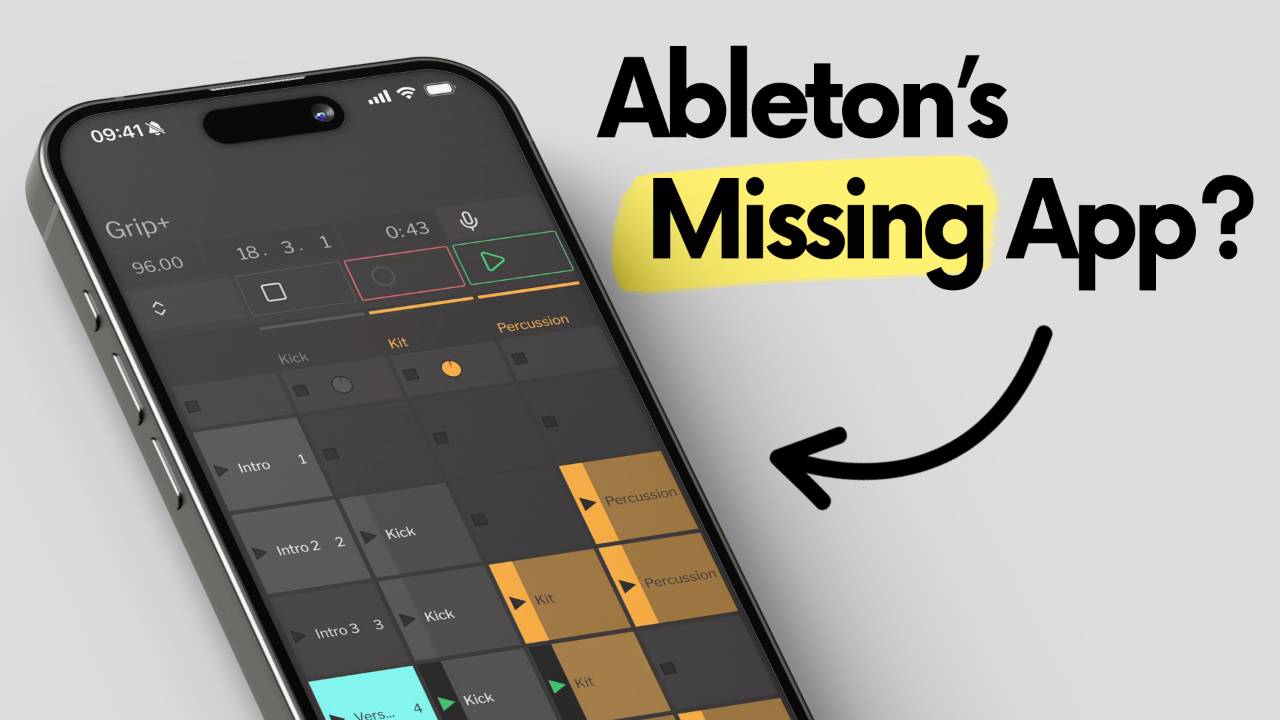
In this article I'm going to take a look at Grip. It's an iOS and Android app built to control Ableton Live from your phone over Wi-Fi, covering setup, session view, arrangement control, voice commands, and whether it's worth using day to day.
Grip isn't the first app to try this.
TouchOSC a...
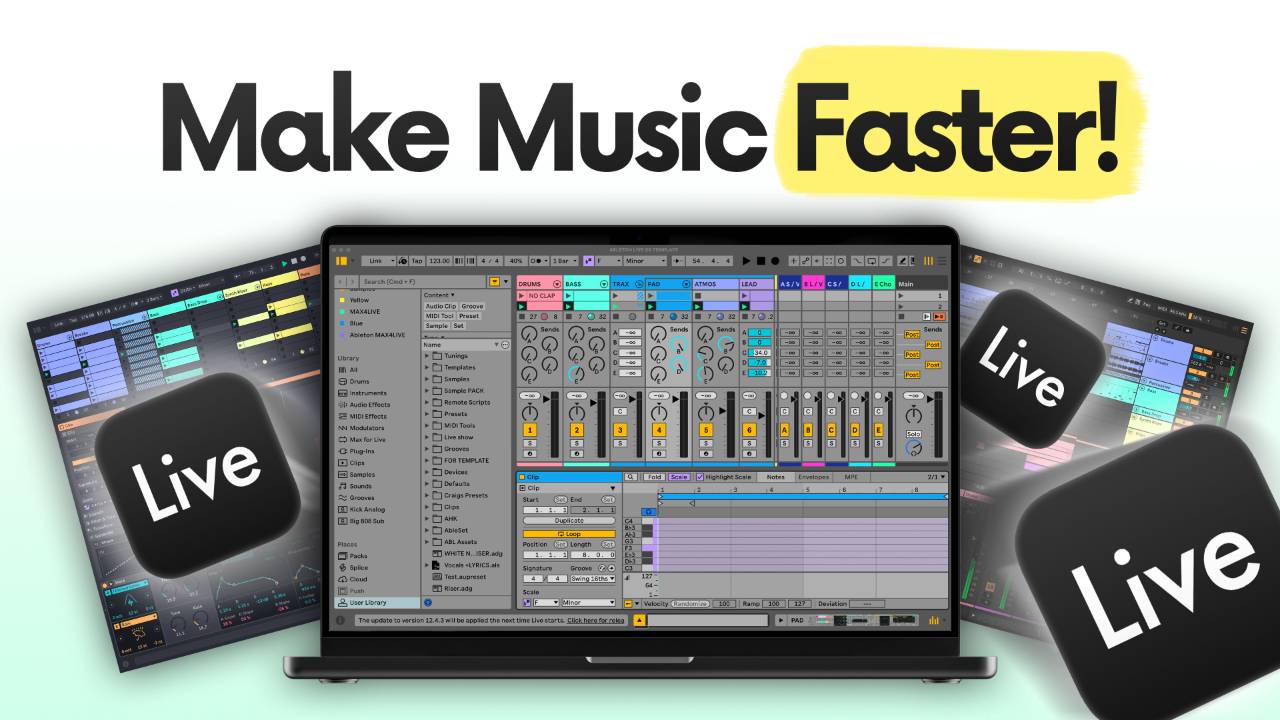
This article shows you how to build an Ableton Live template you can trust, and gives you mine as a free download.
We'll look at how the template is put together track by track, from drum rack snapshots and Drift sounds through to a sidechain that is already routed and a complete master chain...
This article shows you how to finish more music in Ableton Live.
It is built around a simple system you can repeat around a full time job, a family, and whatever else the week throws at you.
We will look at a 3-step workflow that runs from sketching ideas in Ableton Note, through building them up...
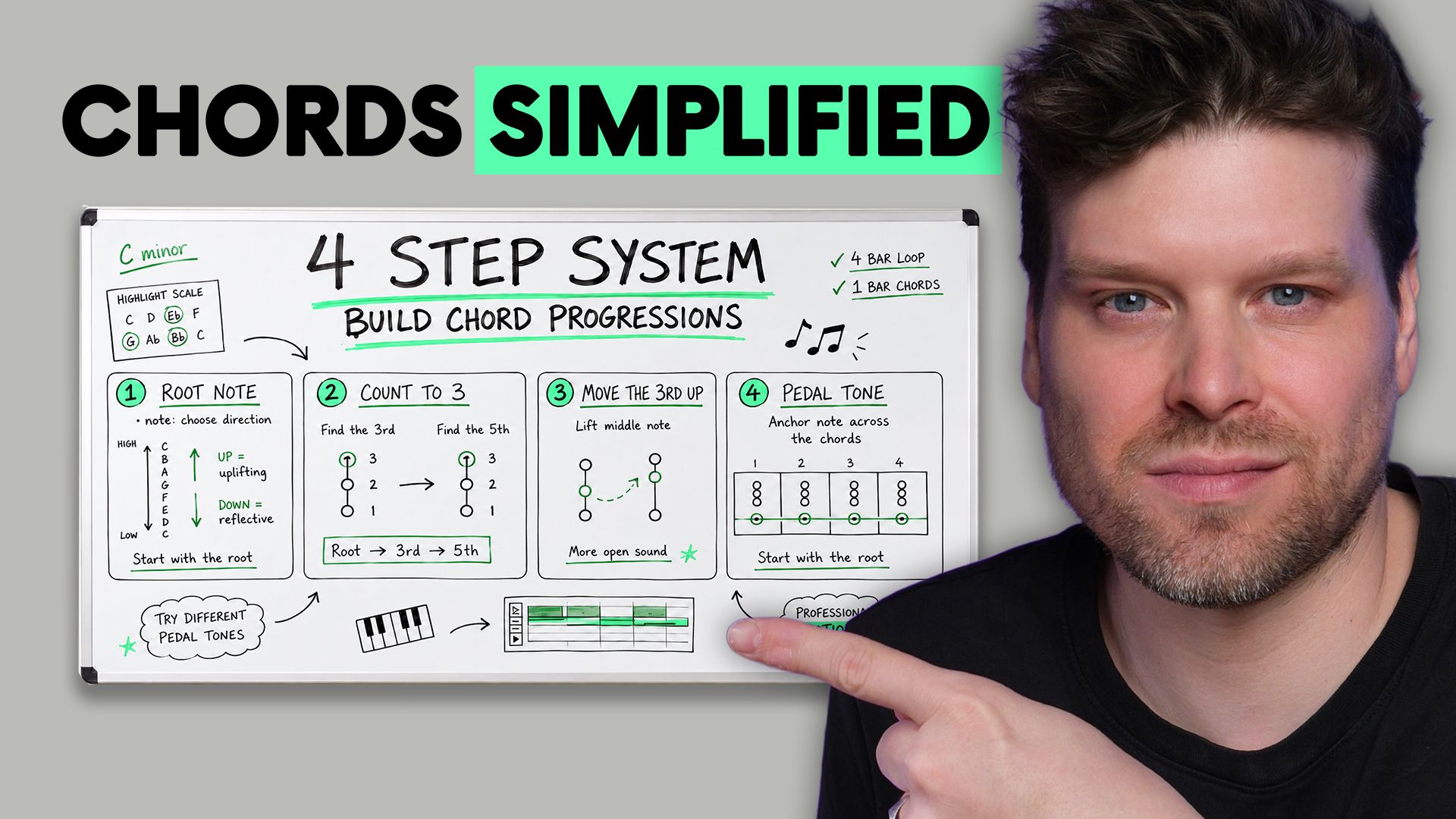
This article shows you how to write chord progressions in Ableton Live.
We'll look at using Ableton's built-in Scale Awareness feature and a 4-step system built to create professional sounding chord progressions with minimal to no music theory required.
The same 4-step sequence I have taught to t...
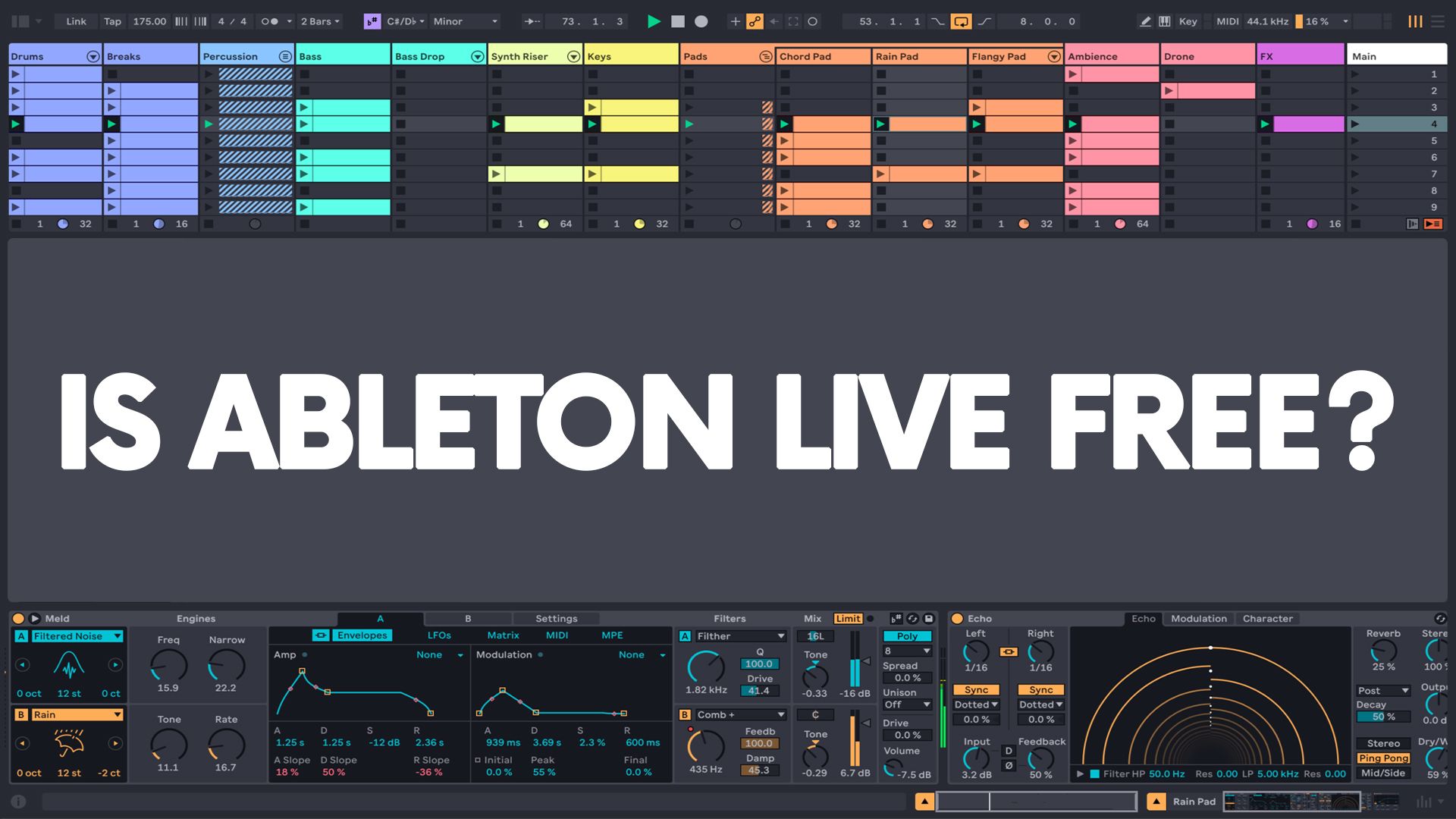
Ableton Live is free, but not in the way most people think.
There is a free trial.
There is also Ableton Live Lite, which some beginners already have sitting unused in an account somewhere because it came bundled with a MIDI controller, audio interface, or plugin they bought.
But the full version...
Installing plugins in Ableton Live 12 is easier than you think. Whether you’re using VSTs or Audio Units (AU), this guide will walk you through every step to get your instruments and effects running smoothly.
Key Takeaways
-
Ableton Live supports VST2, VST3, and AU (Mac only) plugins
-
Use the Pl...
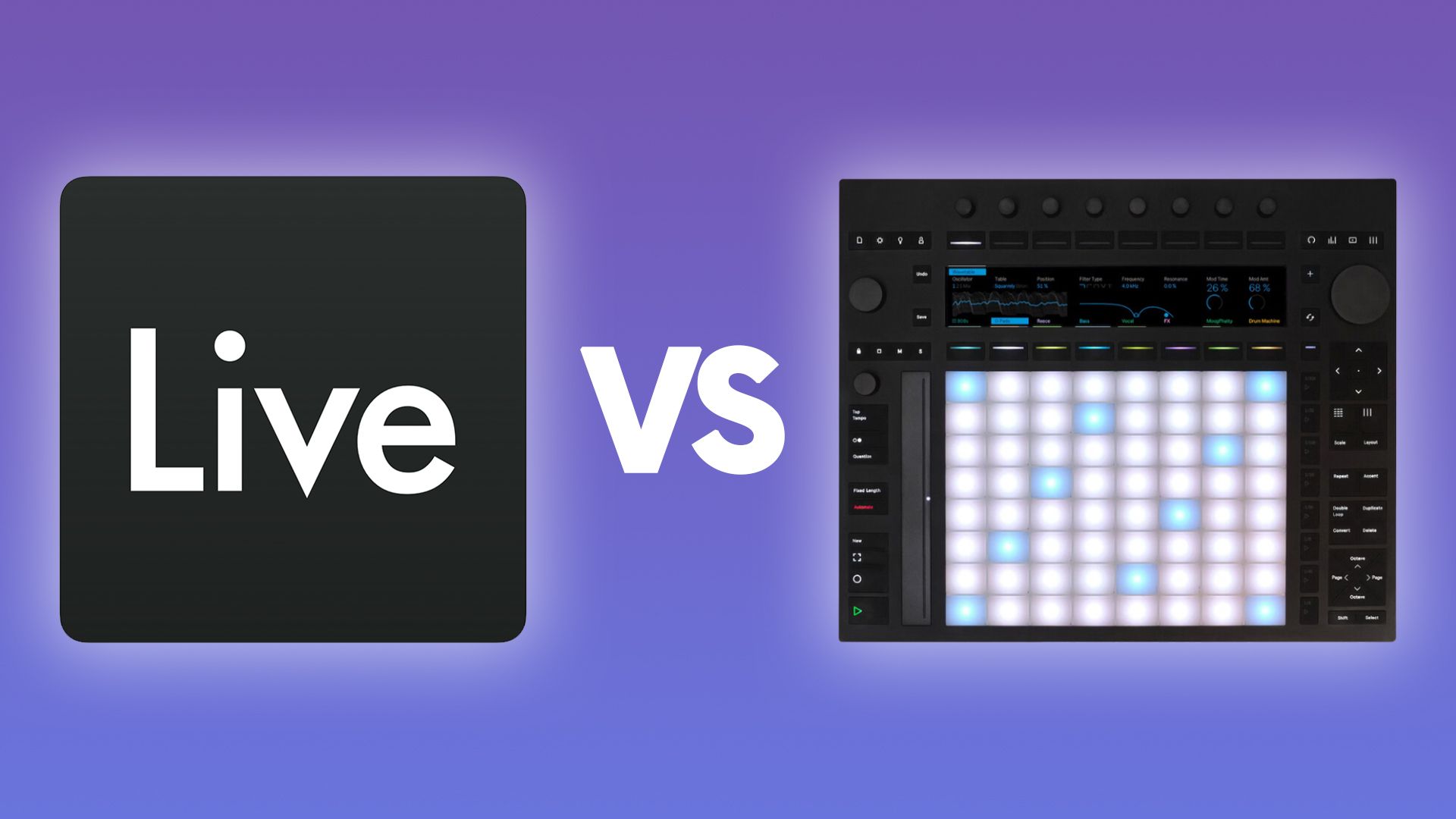
If you've been weighing up Ableton Live or Push 3, you've probably seen the hardware and thought,
"I want that."
Then you've wondered whether you need Ableton Live first, or whether the Push does everything on its own.
Maybe you already have Live and you're not sure what the Push actually adds.
E...
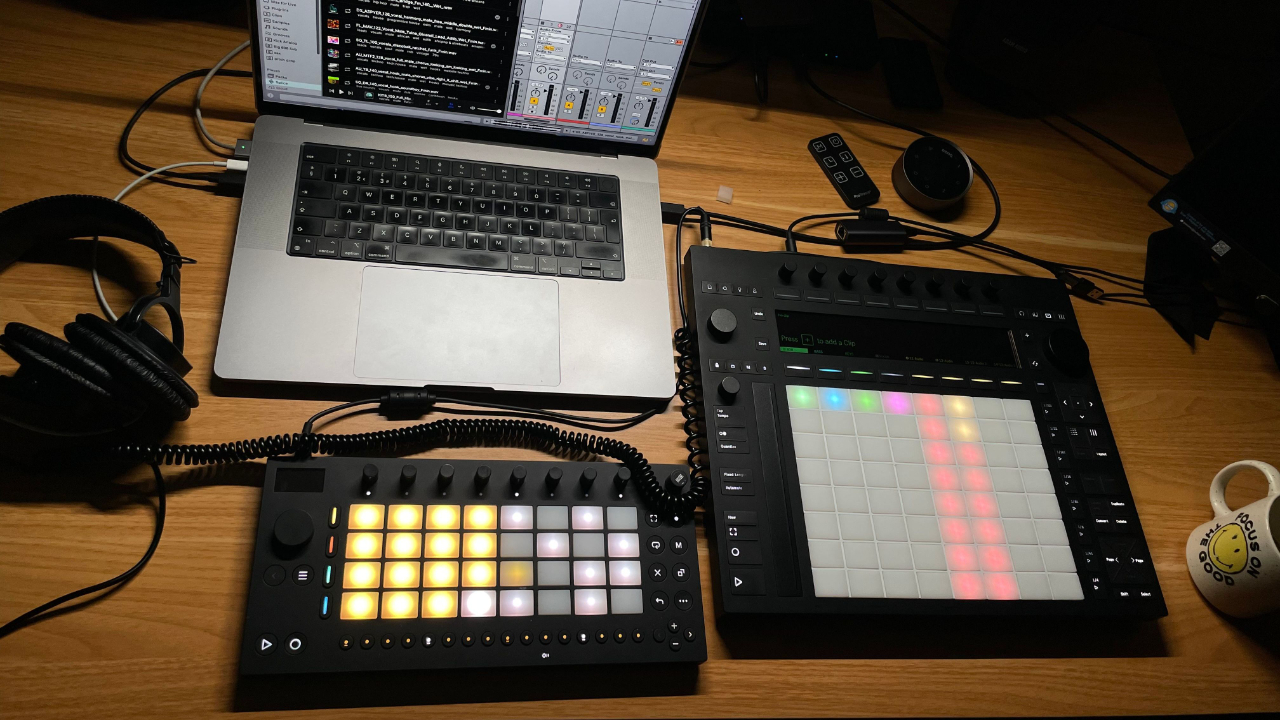
Ableton Live 12.4 is now available, and it is a free update for Live 12 users.
And honestly, this is one of the more interesting Ableton updates I have seen in a while.
Not because it adds some flashy AI generator.
Not because it gives us another hundred presets.
But because it shows where Ableto...
Ableton Live Intro vs Lite: Which Is Better for Beginners?
If you're getting into music production and you've decided Ableton is the DAW for you, the Ableton Live Intro vs Lite question trips a lot of people up before you've even bought anything.
Do you go for Ableton Live Intro at £69, or do y...
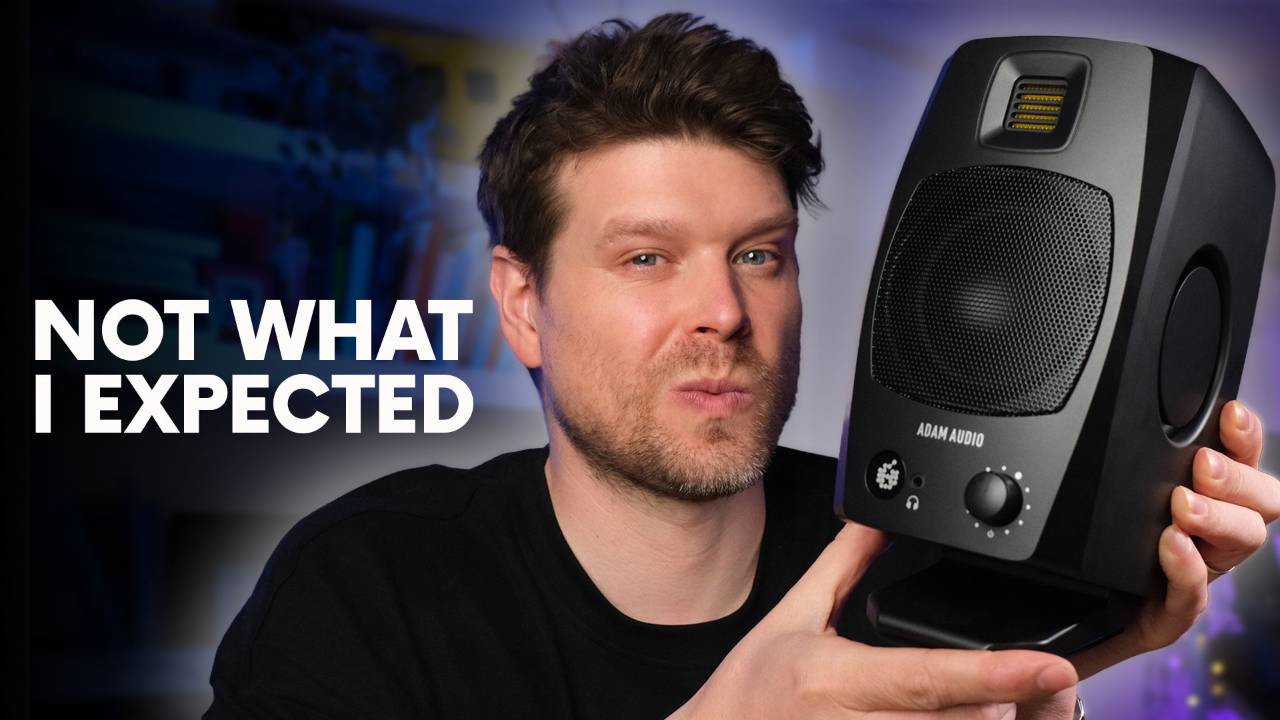
I've been testing the Adam Audio D3V for around 3 weeks in a small, untreated room, putting the speakers through their paces.
In this review I cover the sound, the passive radiator design and what it does for the low end, the EQ switches in a real room, and whether the USB-C input works cleanly f...
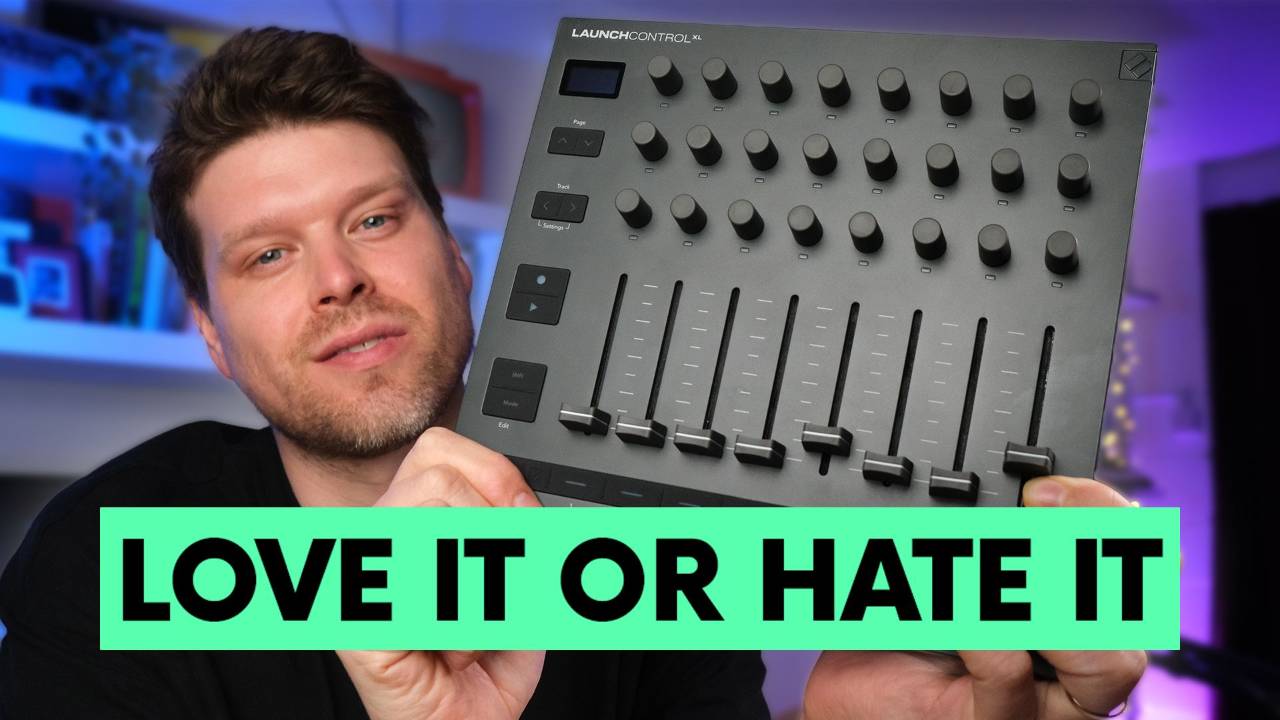
I've had the Novation Launch Control XL MK3 on my desk for over 2 weeks, putting it through its paces and I have been pleasantly surprised. There are 3 features on this controller that make it genuinely interesting, and one change that you absolutely need to know about before you buy.
Before we g...
I get asked this question constantly. At every university I teach at, including ICMP, BIMM, NHAM, and Thinkspace Education Online, it's always the same. Performance students, creative artists, people who've never opened a DAW in their life, they all want to know the same thing before they commi...
