
How to Use Link Audio in Ableton Live (Does It Actually Work?)
Link Audio is one of the most talked-about features in Ableton Live 12.4, and the promise is genuinely exciting. Stream audio wirelessly between devices, no cables, no audio interface. In real-world testing, it works. But there are
...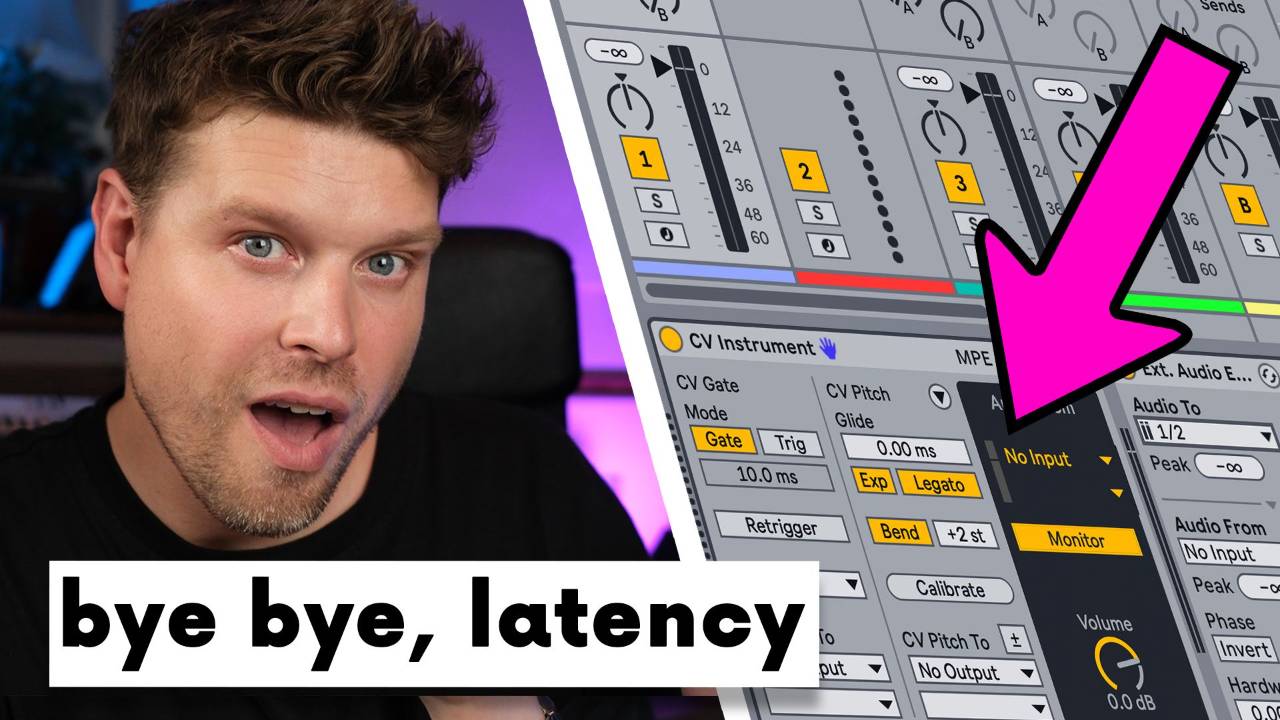
How to Fix Modular Synth Latency in Ableton Live (Use This CV Tools Trick)
Struggling with modular latency in Ableton? Use the External Audio Effect device after CV Instrument to fix it. This guide shows how to keep your modular synth in perfect sync with Ableton Live, whether you're using Eurora...

How to Record Hardware Synths in Ableton Live (Latency Free)
The best way to record hardware synths in Ableton Live latency‐free is to combine correct audio and MIDI routing with Ableton’s External Instrument device. When set up properly, your hardware synth behaves like a native instrument — tig...
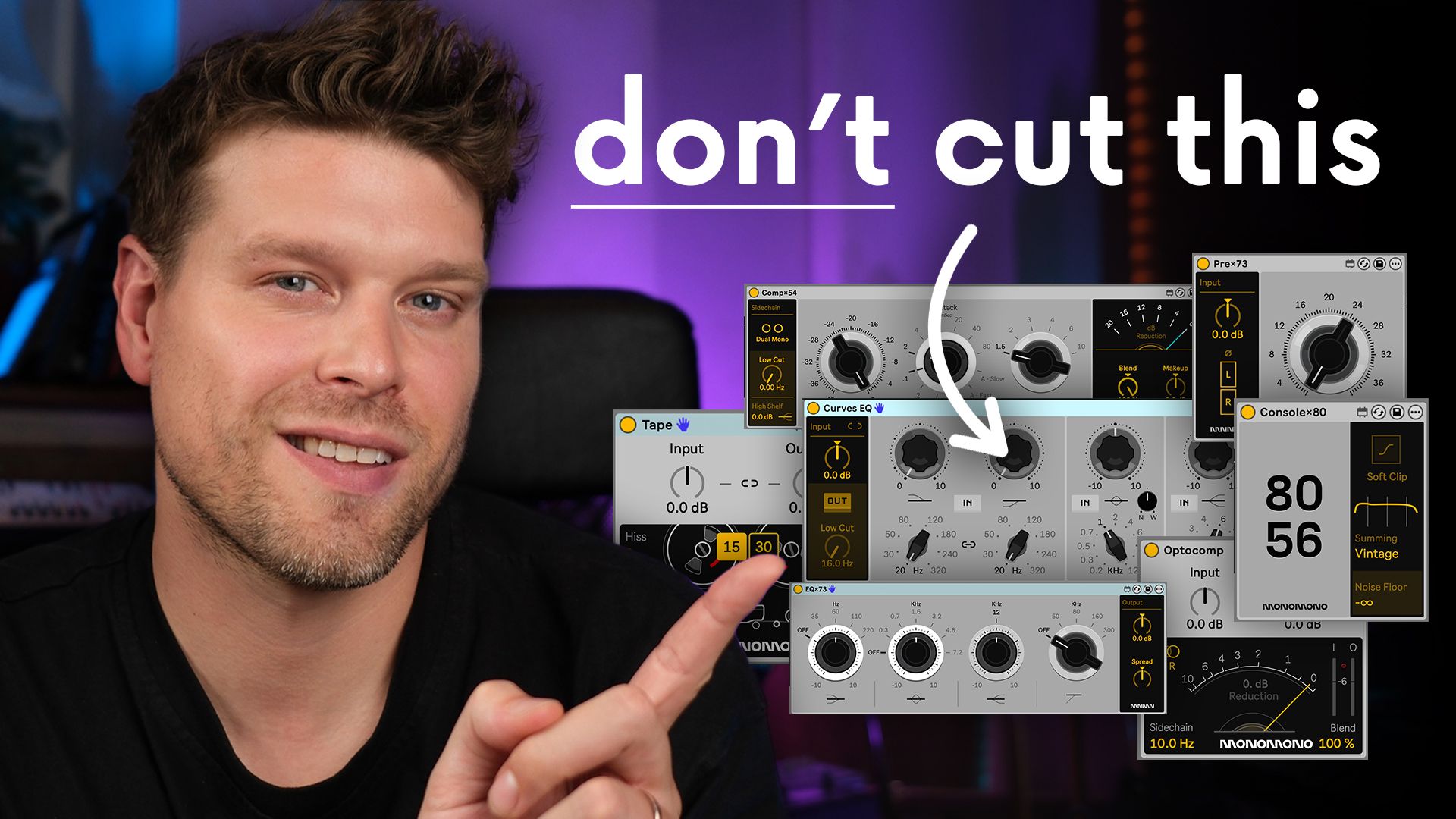
These MAX FOR LIVE Devices Will CHANGE How You MIX
The affordable Monomono M4L devices let you instantly add body, character and width to your mixes, and they work standalone on the Ableton Push 3. They sound really good, and here's why.
Why it matters: You know that feeling when you drag a lo...

Ableton Live Just Changed Sampling Forever- Here's How...
Ableton has released Live 12.3, and honestly? It’s one of the most impactful updates in years, especially if you like sampling.
Here are the three standout features that will save you serious time:
1. Stem Separation – Right Inside Ablet...

How to Recreate Jon Hopkins’ Emerald Rush Synth Sound in Ableton Live
You can recreate Jon Hopkins’ Emerald Rush synth sound without his custom plugin. Using only Ableton Live stock effects, you can build it in under ten minutes.
Key Points
-
Original sound used a custom Tim XL plugin
-
Can be re
...

How to Use iZotope RX with Ableton Live Without Killing Your CPU
The best way to use iZotope RX with Ableton Live is to run it as a standalone sample editor, not a plugin.
This keeps your sessions smooth, stable, and CPU-friendly, while still giving you RX’s powerful clean-up tools.
Key Takeaway...

If you're wondering whether the original Ableton Push 1 is still worth buying in 2026, the answer is yes, especially if you're on a budget. It works seamlessly with Ableton Live 12.4, delivers core functionality, and can be picked up secondhand for under £100.
Key Takeaways
-
Works natively with
...

How to Use Auto Filter in Ableton Live (Complete Guide)
Auto Filter is one of Ableton Live's most powerful and flexible effects, and it just got significantly better. Whether you're shaping tones in the studio, running live sets, or experimenting with sound design, Auto Filter gives you precise,...
Ableton Live 12.2 Update – The Smartest Workflow Upgrade Yet
Ableton Live 12.2 isn’t a full overhaul, but it brings powerful quality-of-life updates. From faster audio workflows to smarter instruments and UI tweaks, this version helps you stay creative and move faster.
Key Takeaways
-
Bounce to...
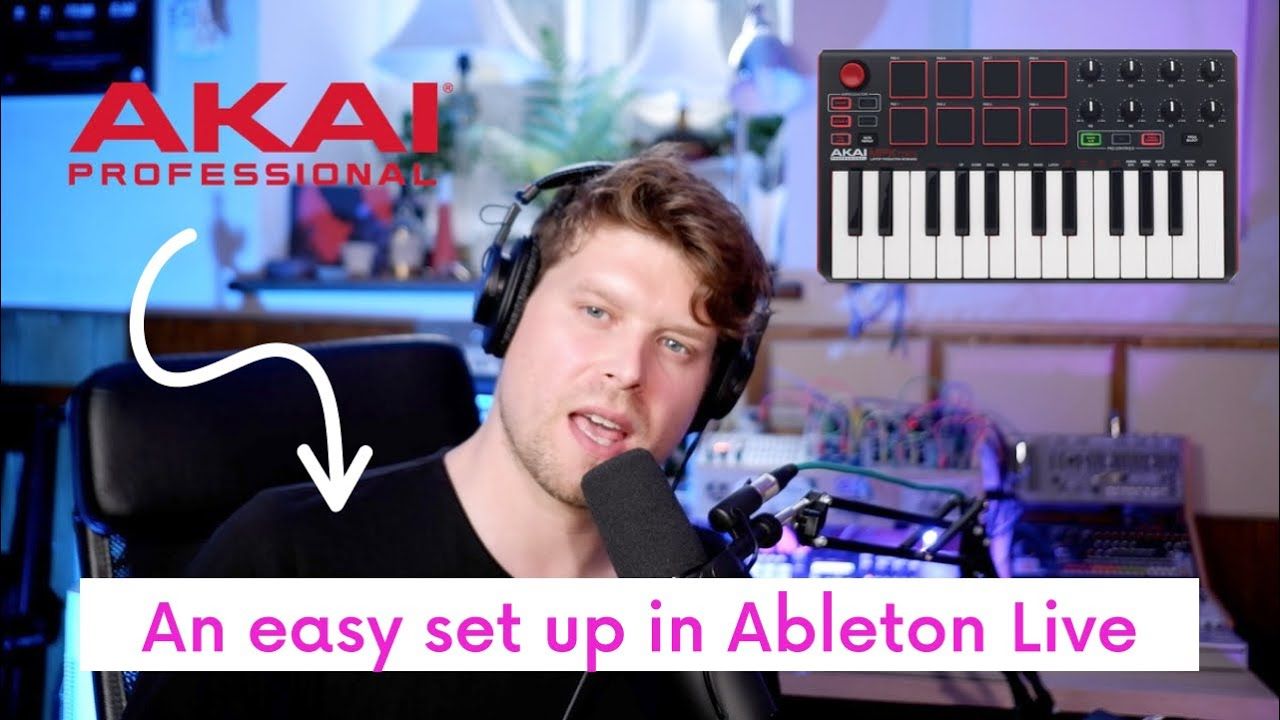
Setting up the Akai MPK Mini with Ableton Live 12 is fast and easy when you follow the right steps. This guide shows you how to connect, configure, and customise your MPK Mini to unlock its full potential in music production.
Key Points
-
Plug in and detect MPK Mini automatically via USB.
-
Ass...
// ]]> Want your vocals to sound pro? Use the Abbey Road reverb technique. This classic approach shapes the EQ before applying reverb, giving your mix clarity, depth, and polish. Here’s how to do it step by step in Ableton Live 12 using only stock plugins.
Key Takeaways
-
Use a return track for r
...
