
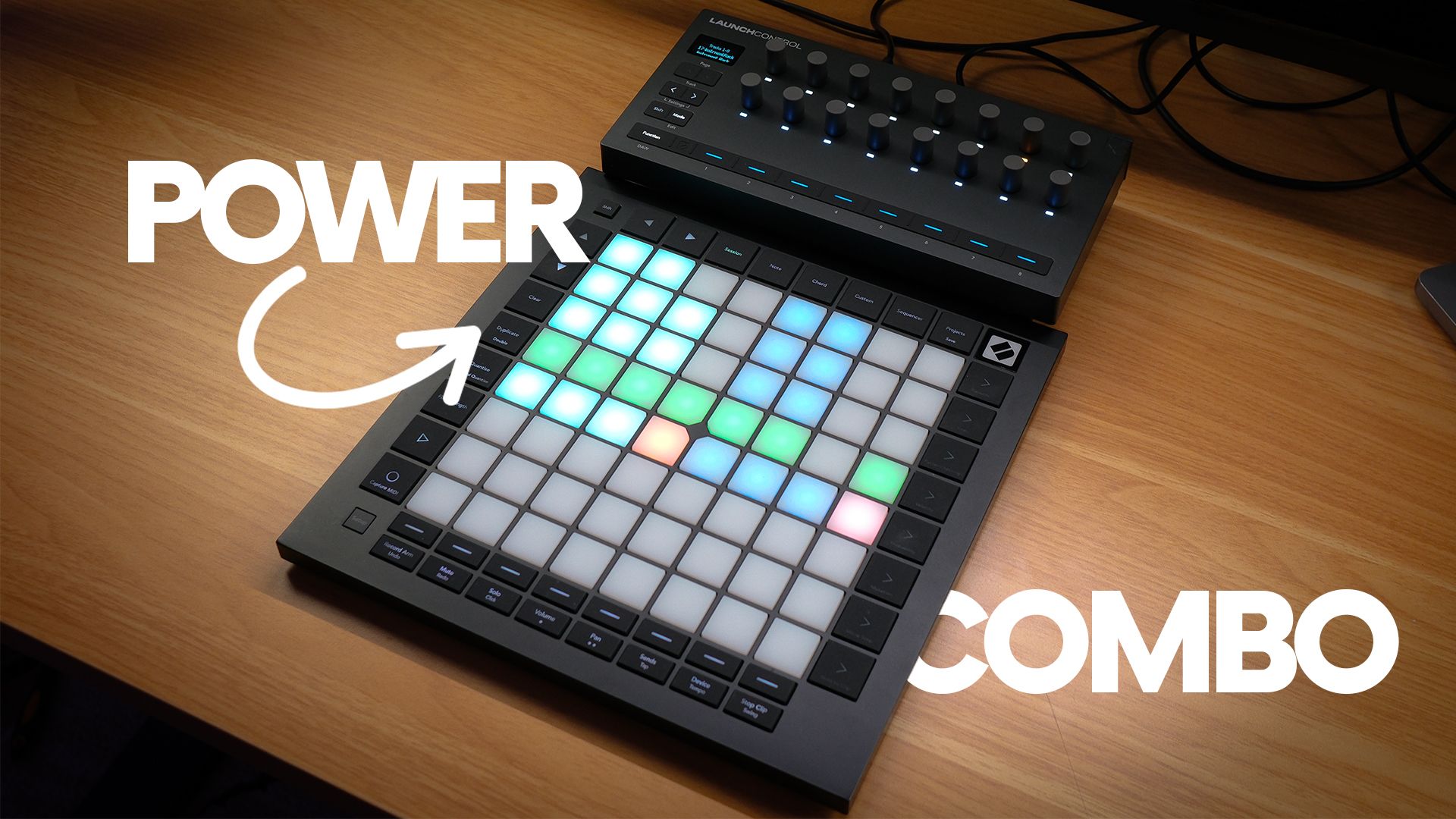
If you are looking at the Ableton Push 3 and wincing at the price, you are not alone. I get asked pretty regularly whether there is a cheaper way into hands-on Ableton Live control, and one combination keeps coming up: the Novation Launch Control XL 3 paired with the Novation Launchpad Pro MK3.
I...
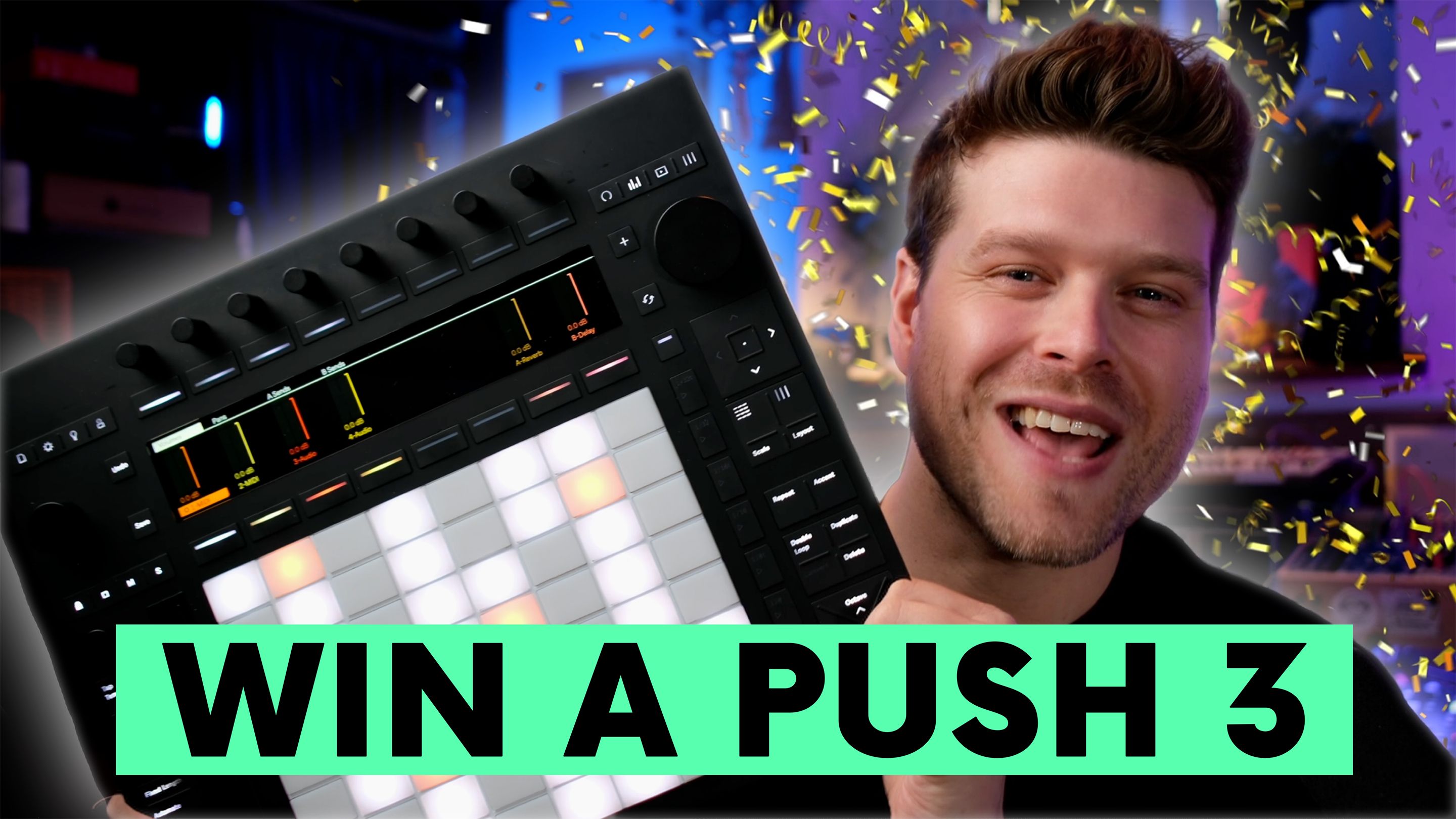
Win An Ableton Push 3
Yes, you can win a brand new Ableton Push 3, delivered to your door. When the Push Patterns YouTube channel hits 100,000 subscribers, one lucky subscriber will be chosen at random to receive this premium music controller.
Key Points
-
Win a new Ableton Push 3
-
Subscribe an
...
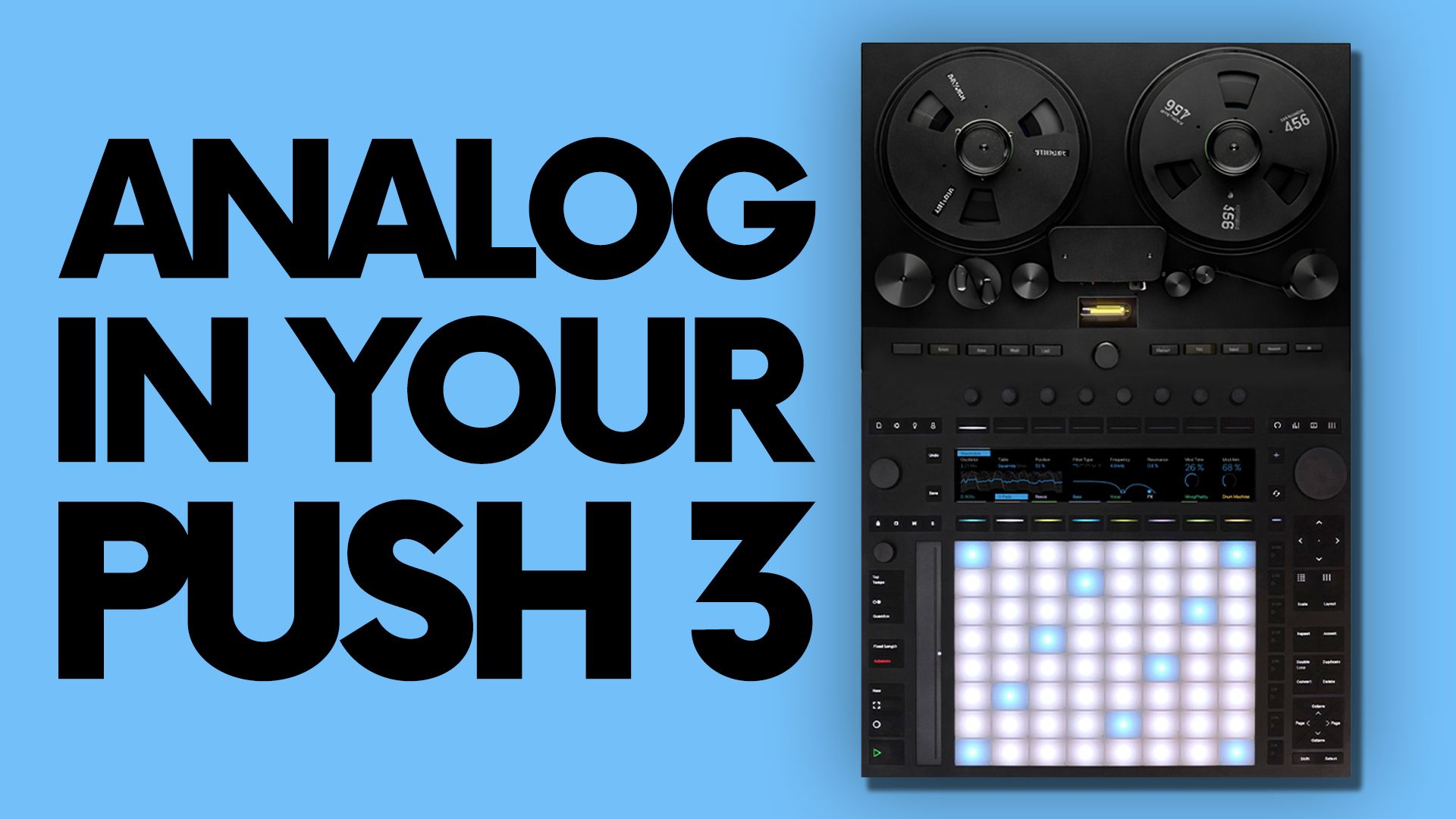
How I Built an Analog Studio Inside Ableton Push 3 (Standalone)
This guide walks you through how to mix a track from scratch on Push 3 using Max for Live devices that recreate the warmth of classic analogue equipment, with no hardware required.
Key Takeaways
-
Group and sum tracks for an analo
...
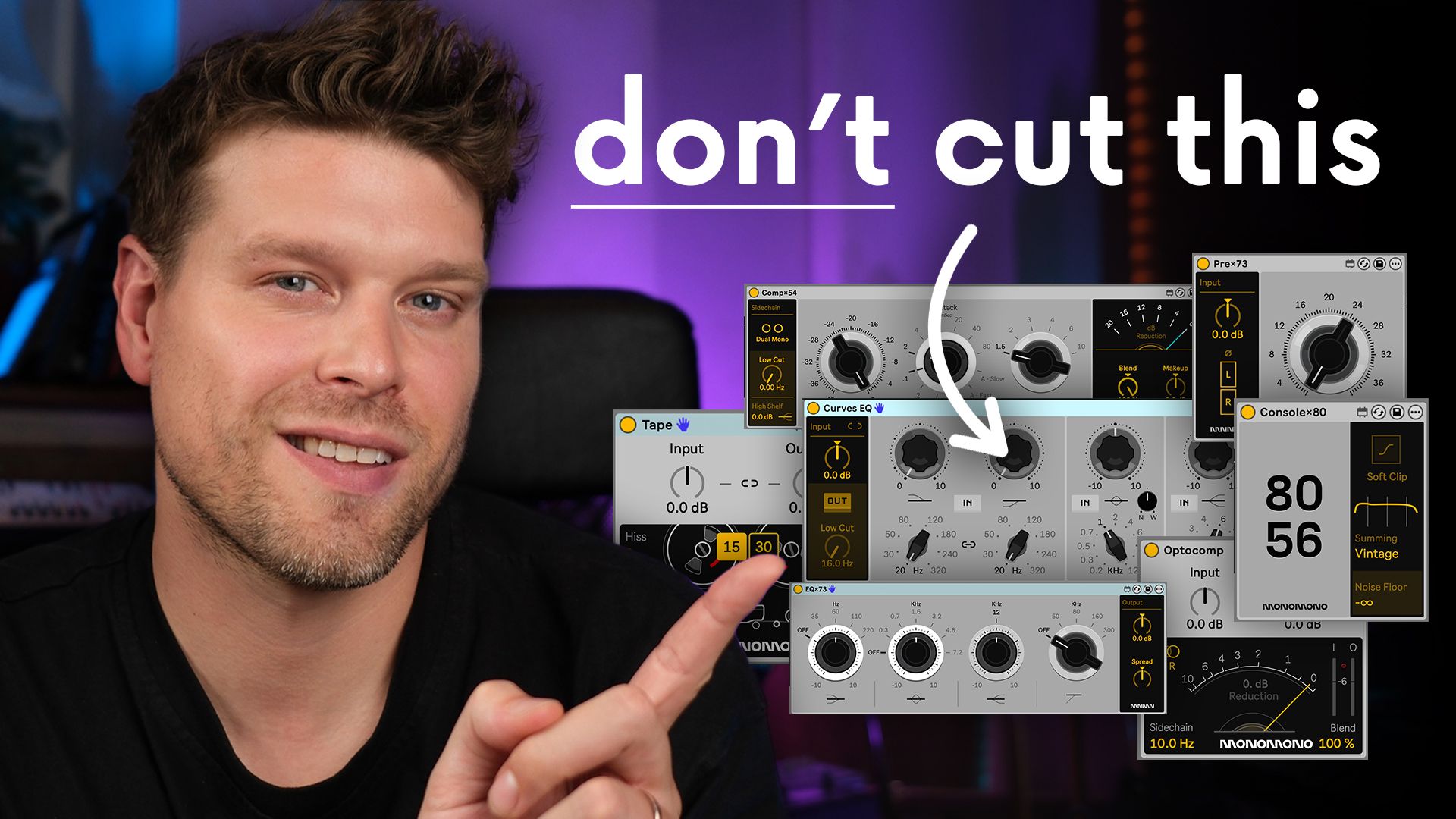
These MAX FOR LIVE Devices Will CHANGE How You MIX
The affordable Monomono M4L devices let you instantly add body, character and width to your mixes, and they work standalone on the Ableton Push 3. They sound really good, and here's why.
Why it matters: You know that feeling when you drag a lo...

Yes, you can transfer compatible Max for Live devices to your Ableton Push 3 Standalone.
This guide shows you how to check if a device works, transfer it properly, organise your files, and load them on your Push 3 with confidence.
Key Points:
• Not all Max for Live devices work on Push 3 Standa...

How to Send Program Changes from Ableton Push 3 Standalone
Yes, Push 3 standalone can now send MIDI program changes. And trust me, this is massive if you perform live with hardware synths.
Ableton quietly added this feature in a recent Push 3 update. No big fanfare. But it changes everything. If...

Ableton Push 3 XYZ Mode Changes Everything
The new XYZ mode update for the Ableton Push 3 takes it way beyond your standard Ableton grid controller. It’s now become an expressive instrument in its own right
Opening up an entirely new way to control effects using the MPE pads.
It’s like having...

How to Mute Drum Pads on the Ableton Push - With Push Mute
One of my favourite things about the Elektron Analog Rytm has always been its mute mode.
You just tap a pad and it drops out instantly. No holding, no latching.
Perfect for live performance.
When I moved over to Push 3, I really missed t...
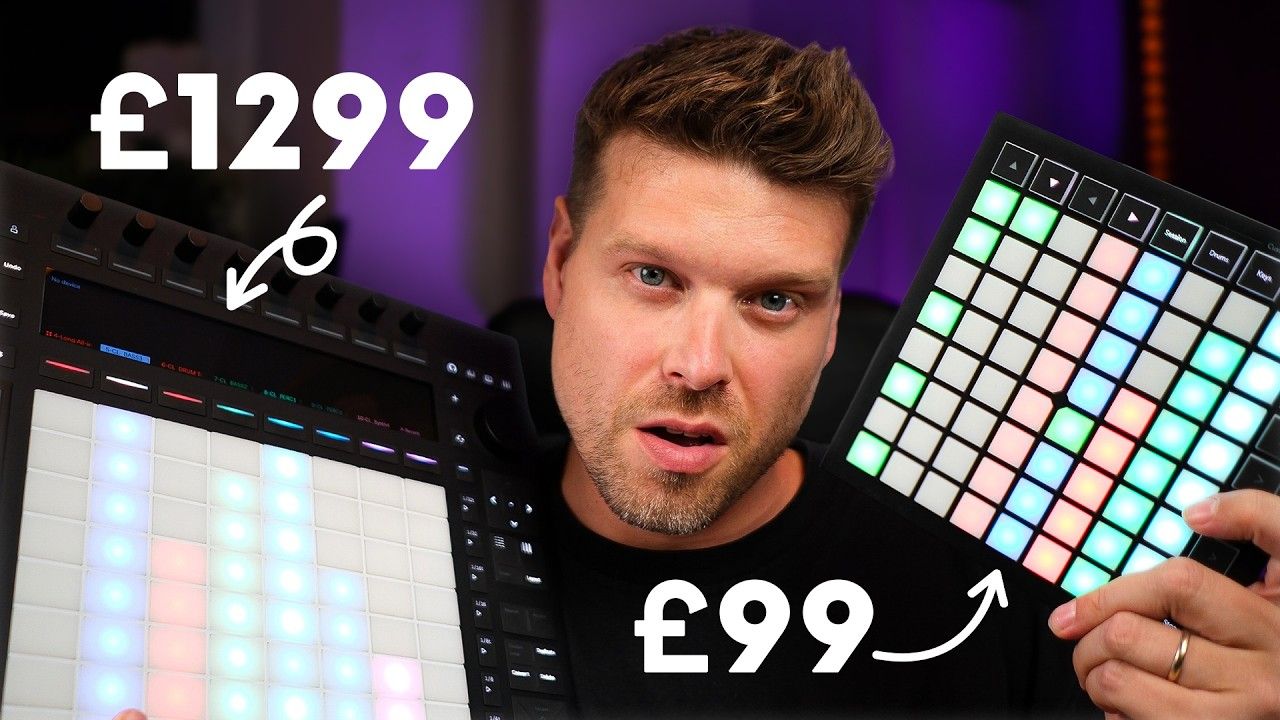
Should You Buy the Push 3 or Launchpad Mini for Ableton Live?
If you’re choosing between Ableton Push 3 and the Novation Launchpad Mini, the answer depends on workflow.
-
Get the Push 3 if you want a complete standalone music production hub.
-
Choose the Launchpad Mini if you want an affordable,
...
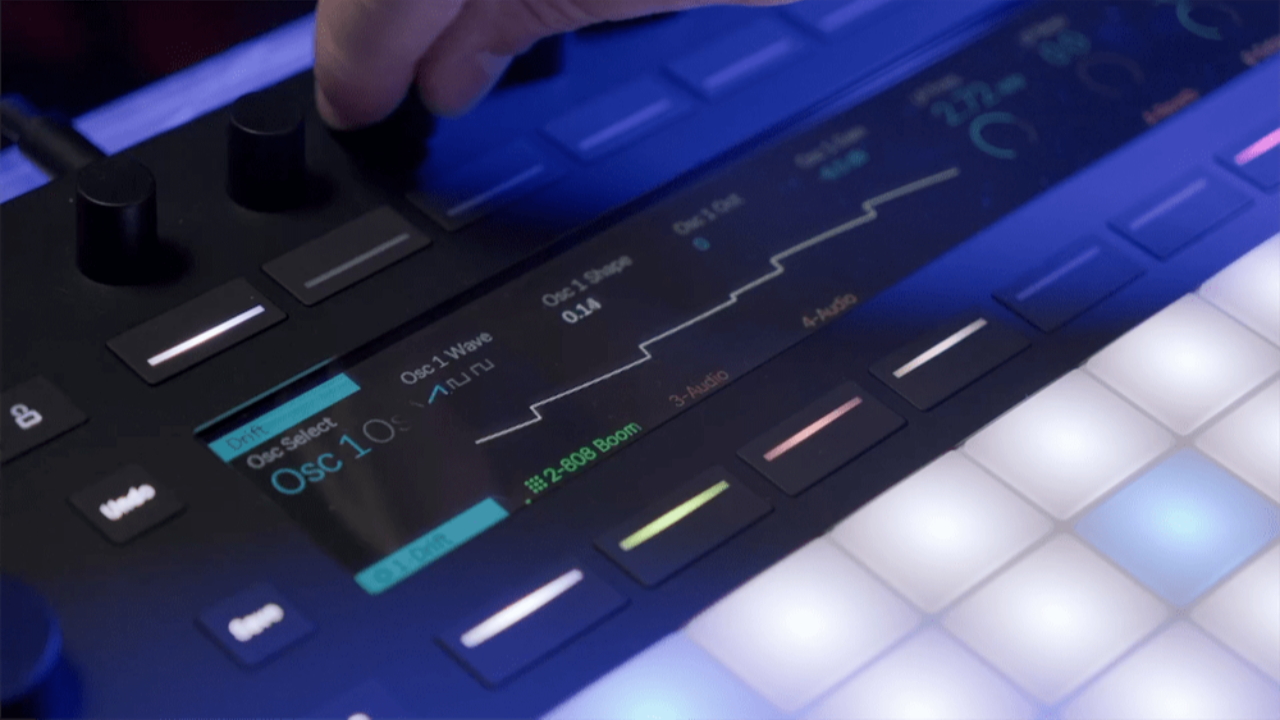
Ableton Push 3 Settings - What Should You Change for Better Performance?
If you’ve got an Ableton Push 3 and haven’t touched the settings, you’re missing out.
A few simple tweaks can make it smoother, more responsive, and easier to use, especially in standalone mode.
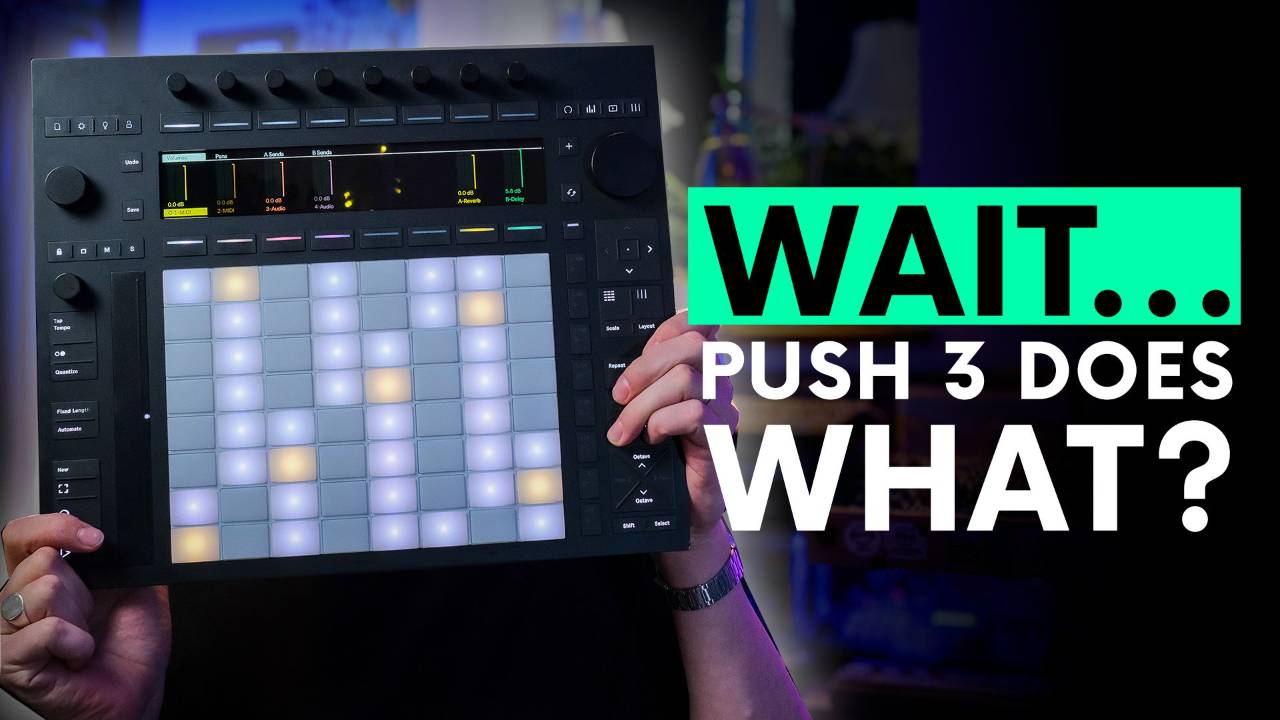
Brand new to Push 3 altogethe
...
How to Make Better Drops on Ableton Push 3 Standalone
The quickest way to make your Push 3 live sets sound professional is to use macro variations and follow actions for clean builds and resets. This avoids messy transitions and keeps your performance flowing.
Key Takeaways
-
Use Follow Actions f
...

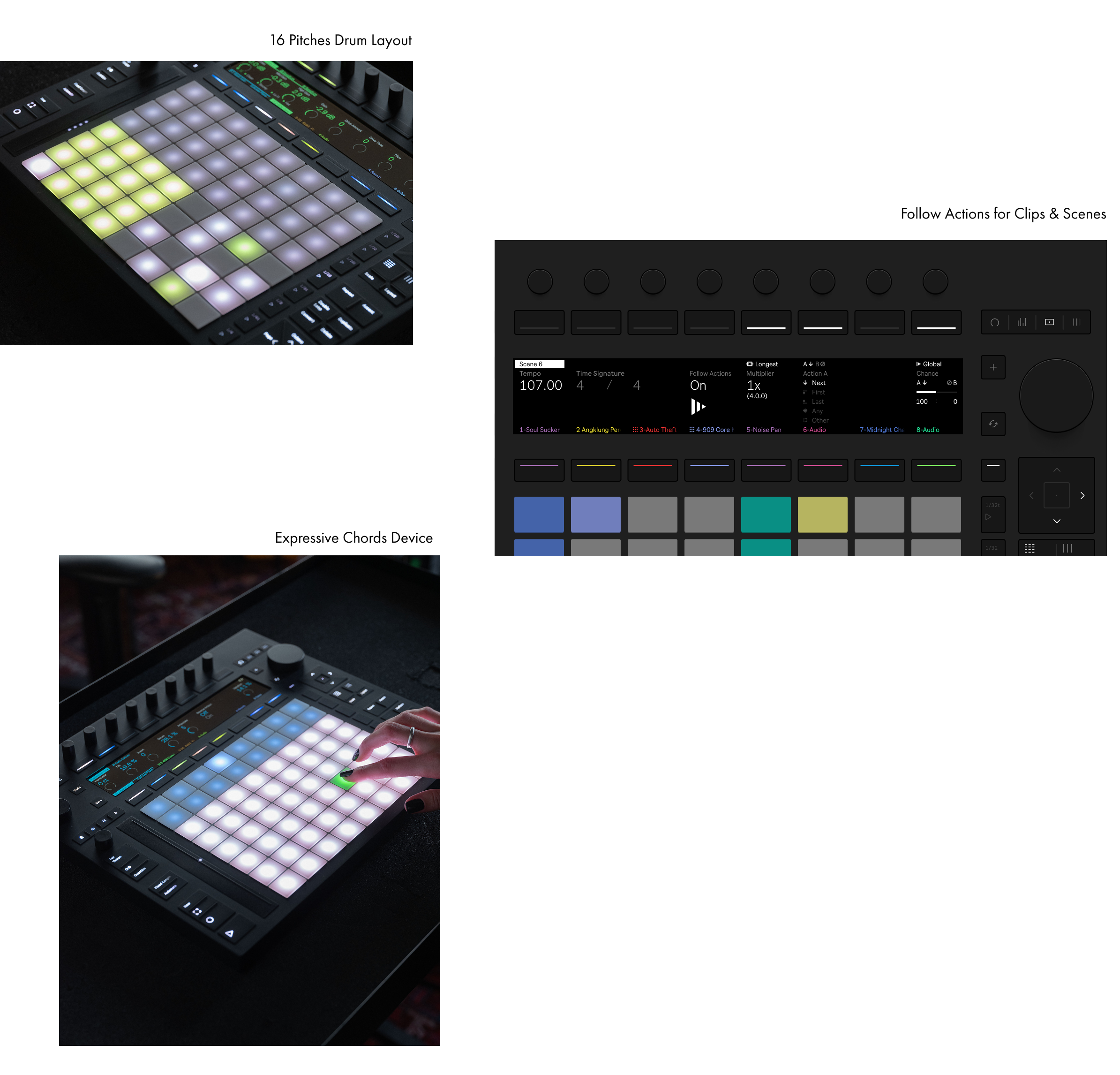
Ableton Push 3 Just Got Follow Actions. Here’s How to Use Them:
Ableton Push 3 Standalone now supports Follow Actions, with no laptop required. This means you can trigger clip and scene automation directly from the hardware. It’s a massive upgrade for live performers and producers working witho...
