
Want a Free Ableton Push 3? Here's How to Enter
Jan 24, 2026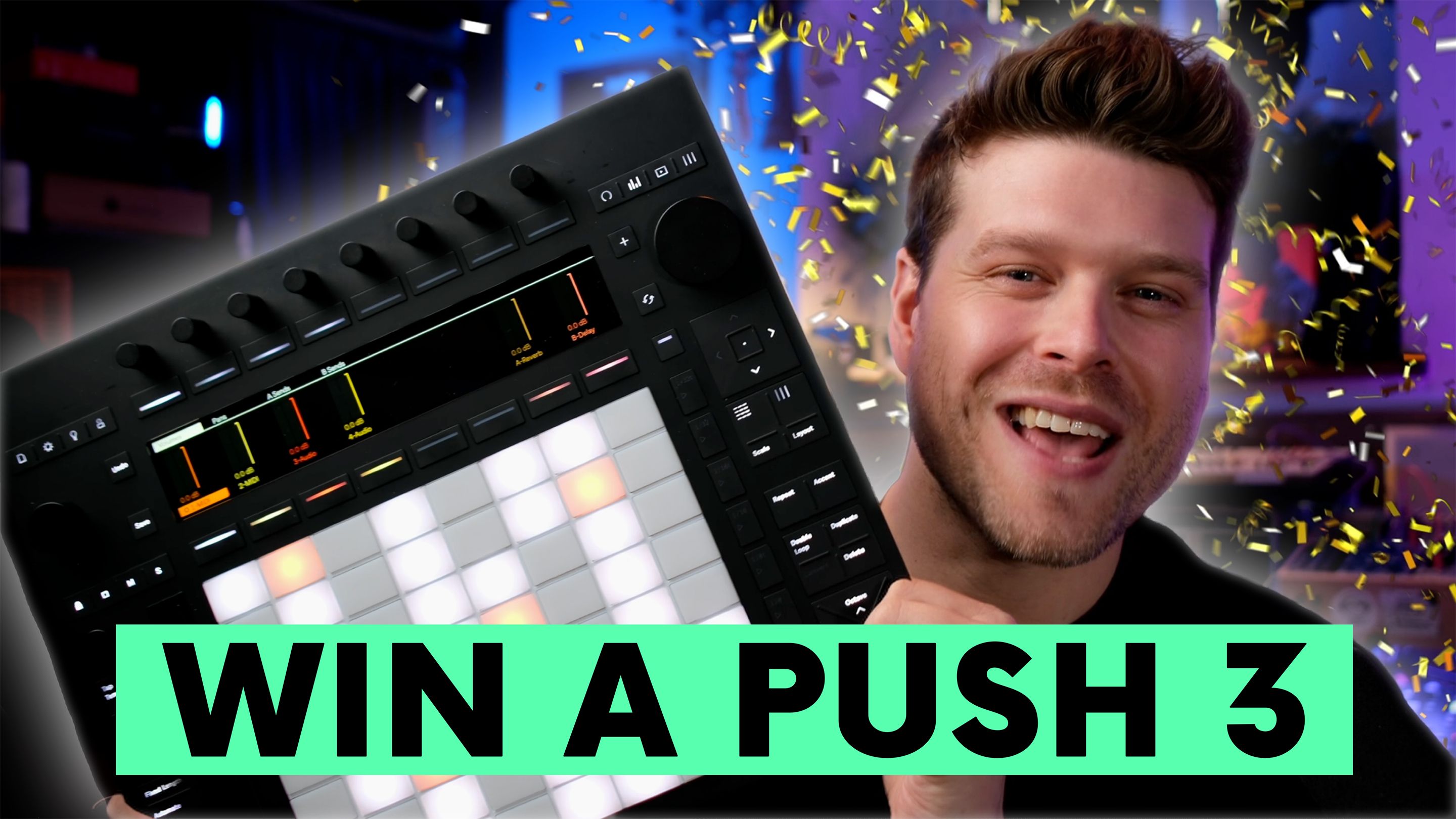
Win An Ableton Push 3
Yes, you can win a brand new Ableton Push 3, delivered to your door. When the Push Patterns YouTube channel hits 100,000 subscribers, one lucky subscriber will be chosen at random to receive this premium music controller.
Key Points
-
Win a new Ableton Push 3
-
Subscribe and comment to enter
-
Bonus giveaways every 10,000 subscribers
-
Free access to all courses and a Launchpad Mini included
-
Learn music production while entering giveaways
How Do You Enter the Push 3 Giveaway?
To enter, you need to do just two things:
-
Subscribe to the Push Patterns YouTube channel.
-
Comment on the giveaway video with the words: "Launch me."
Once the channel hits 100,000 subscribers, one winner will be chosen at random to receive the Ableton Push 3.
What Can You Win Before 100K Subscribers?
The big Push 3 giveaway happens at 100K, but there are plenty of rewards along the way:
-
Every 10,000 subscribers, one person wins:
-
A Novation Launchpad Mini
-
Free access to all of Craig’s courses
-
So even if you're early, you still have chances to win useful gear and training.
Why Subscribe to Push Patterns?
Besides giveaways, Push Patterns is packed with:
-
High-quality tutorials for music producers
-
Tips for mastering Ableton and Launchpad
-
A growing community of dedicated creators
You're not just entering a giveaway, you're joining a learning hub.
How Will Winners Be Chosen?
Winners are selected at random from the pool of subscribers who have commented "Launch me" on the giveaway video.
Craig announces the winners in upcoming videos, so keep an eye out.
What’s the Catch?
There isn’t one. No fees, no forms, just:
-
Subscribe
-
Comment "Launch me"
That’s it. Stick around, enjoy the content, and you might end up with a Push 3 controller at your doorstep.
FAQs
1. How can I get an Ableton Push 3 for free?
You can only get one for free through promos or giveaways. For this giveaway, you enter by subscribing to the channel and commenting on the giveaway video. A winner is chosen once the channel hits 100K.
2. How do I enter an Ableton Push 3 giveaway?
Follow the entry rules on the giveaway page. For mine, you must be subscribed and comment on the giveaway video.
3. How do you win an Ableton Push 3 giveaway and how is the winner chosen?
You win by having a valid entry when the giveaway closes. A winner is picked at random from eligible comments, as long as you are subscribed.
4. Can I use Ableton Push 3 without a computer?
Yes. Push 3 has a Standalone Mode where it works as its own instrument without being connected to a computer.
5. What is the difference between Push 3 Standalone and Push 3 Controller?
Standalone has the built-in processor so it can run on its own. Controller mode relies on a computer running Ableton Live.
6. What is the difference between Push 2 and Push 3?
The big one is that Push 3 can be used in standalone (if you have the processor or upgrade kit), while Push 2 cannot. Push 3 also features new pads and a built-in audio interface.
7. Does Push 3 come with Ableton Live, and do I need Live Suite?
Push includes Live Intro, and on Push 3 Standalone it is pre-installed. You only need Standard or Suite if you want more tracks or additional devices and packs.
8. What version of Ableton Live do I need for Push 3?
To use Push 3 with a computer, you need Live 11.3 or later. In standalone mode, it runs Live Intro.
9. Can Push 3 run VST plug-ins or Audio Units in standalone mode?
No. Push 3 standalone does not support VSTs or Audio Unit plug-ins. You’ll need to freeze those tracks before transferring a set.
10. Can I upgrade Push 3 Controller to standalone later with the Upgrade Kit?
Yes. Ableton sells an Upgrade Kit that adds everything needed for standalone, and it functions just like a factory standalone Push 3.
Main Takeaway: Subscribe to Push Patterns, comment "Launch me", and you could win an Ableton Push 3, plus other music gear along the way.
If you are interested in learning Ableton Live 12 or the Push 3 in a bit more detail, check the course here:
