
Should You Buy the Push 3 or Launchpad Mini for Ableton Live?
Aug 18, 2025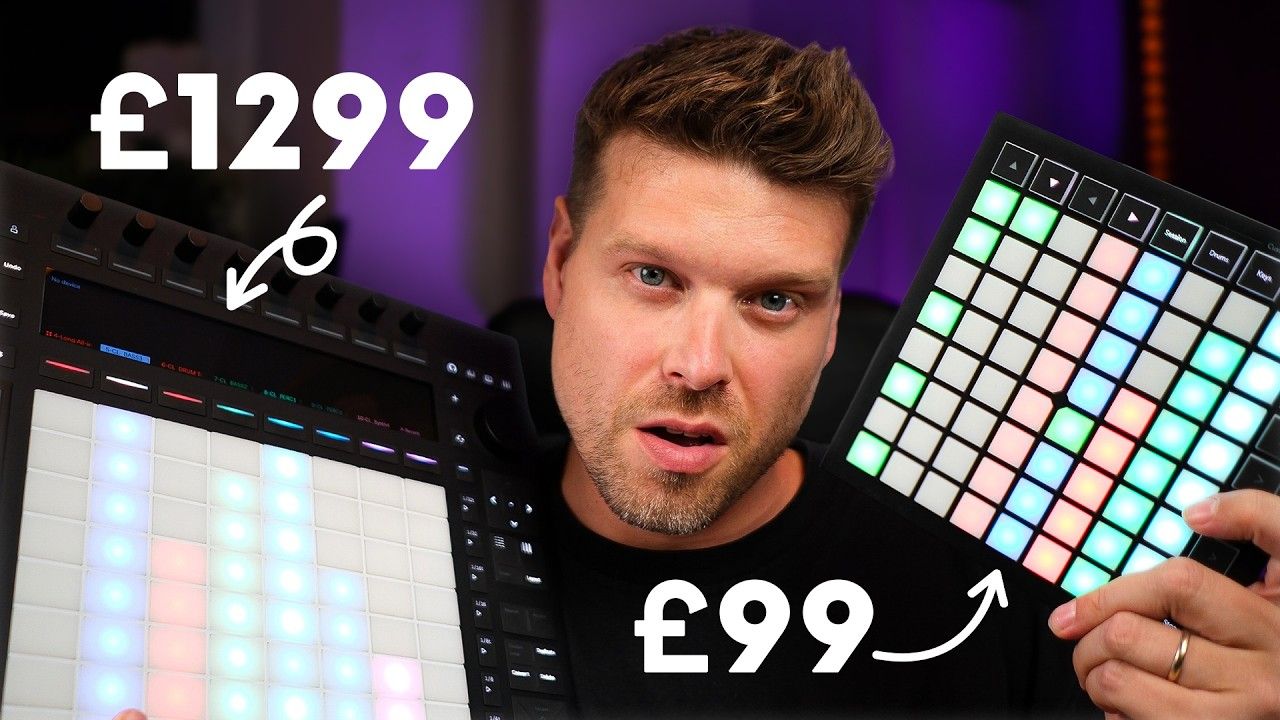
Should You Buy the Push 3 or Launchpad Mini for Ableton Live?
If you’re choosing between Ableton Push 3 and the Novation Launchpad Mini, the answer depends on workflow.
-
Get the Push 3 if you want a complete standalone music production hub.
-
Choose the Launchpad Mini if you want an affordable, lightweight clip launcher.
Key Points
-
Push 3 is a standalone music workstation.
-
Launchpad Mini is budget-friendly for clip launching.
-
Push 3 has MPE, velocity sensitivity, sequencing.
-
Launchpad Mini has no velocity sensitivity.
-
Push 3 includes audio interface and modular CV support.
What Are the Main Differences Between Push 3 and Launchpad Mini?
The Push 3 is a full music production workstation with built-in audio I/O and DAW controls. It can operate without a computer.
The Launchpad Mini is a basic clip and scene launcher, that is compact, budget-friendly, and ideal for beginners.
How Well Do Push 3 and Launchpad Mini Integrate with Ableton Live?
Launchpad Mini: Plug-and-play setup, easy clip launching, basic track controls, limited customisation via Novation’s app.
Push 3: Full Ableton navigation, add tracks/effects, standalone operation, built-in screen and knobs for total DAW control.
Which Controller Is Better for Live Performance?
Both feature 8x8 clip grids.
-
Launchpad Mini: Smaller, non-velocity-sensitive pads.
-
Push 3: Larger, velocity-sensitive and MPE-enabled pads with deeper live control.
Can You Play Instruments with These Controllers?
Launchpad Mini: Drum and key modes, but no velocity or MPE.
Push 3: MPE-enabled, velocity-sensitive, expressive articulation, and intuitive step sequencing.
What About Build Quality and Portability?
-
Launchpad Mini: Lightweight, compact, plastic build, easy to carry.
-
Push 3: Heavy, metal build, designed for studio setups, less portable.
What Are the Input/Output Differences?
Launchpad Mini: USB-C only.
Push 3: Built-in audio interface (2 ins, 4 outs), headphone out, ADAT I/O, CV/gate, pedals, USB.
Which Controller Offers a Better Workflow?
-
Launchpad Mini: Simple session view, limited customisation.
-
Push 3: Deep Ableton integration, clip duplication, loop length control, MIDI capture for a faster production workflow.
Which One Should You Buy?
Choose the Launchpad Mini if:
-
You only need to launch clips and scenes.
-
You’re on a budget.
-
You need portability.
Choose the Push 3 if:
-
You want full Ableton control.
-
You want a standalone production device.
-
You need expressive MPE pads.
-
You want built-in audio and modular connectivity.
FAQs
1. Can you use Launchpad Mini without a computer?
No, it requires a computer.
2. Does Push 3 work as a standalone unit?
Yes, it has a built-in processor and battery.
3. Is Push 3 worth the price?
Yes, if you want DAW integration and standalone use.
4. Are the pads on Launchpad Mini expressive?
No, they are not velocity-sensitive or MPE-capable.
5. Can Push 3 control modular synths?
Yes, it has CV outputs for modular gear.
Final Recommendation
-
Buy the Launchpad Mini if you want a budget-friendly clip launcher.
-
Invest in the Push 3 if you need a powerful standalone production hub with deep Ableton integration.
If you’re leaning Push 3, my Ableton Push 3 course walks you through the standalone workflow properly, so you’re not just guessing at menus for the first week.
If you are interested in learning Ableton Live 12 or the Push 3 in a bit more detail, check the course here:
