
How To Map Modulation Devices Directly On The Ableton Push 3 Standalone
May 31, 2026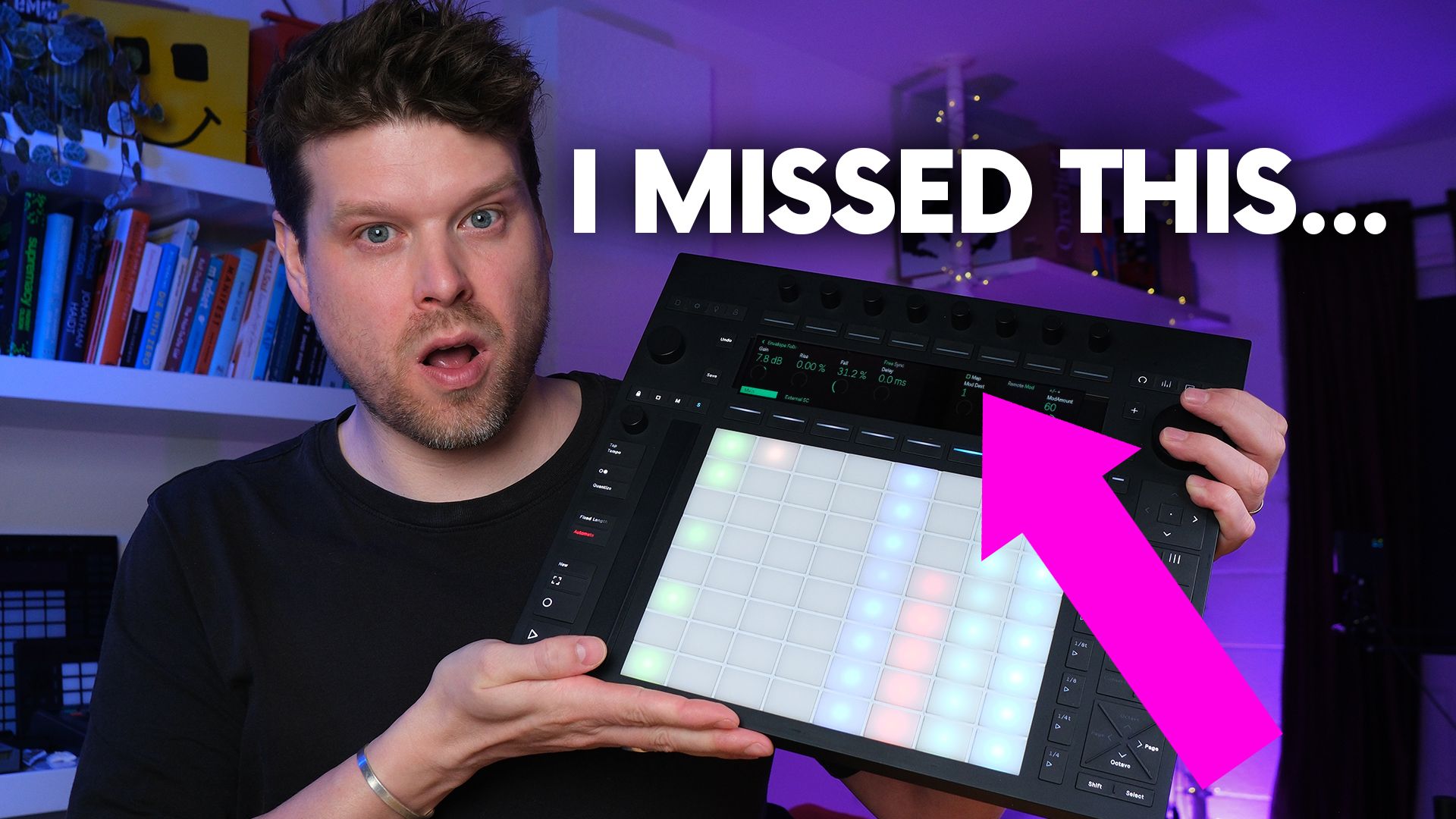
I'll be honest.
I missed this one completely.
I'd been mapping modulation on the Push 3 Standalone the long way round, through a Max for Live workaround, when the hardware could already do it on its own.
It was sitting in the release notes and I walked straight past it.
So this is me putting it right.
Modulation is the thing that takes a static patch and makes it move, so being locked out of it on the device was a real gap in the standalone workflow.
If you own a Push 3 Standalone, the Push 2.4 update lets you assign a modulator like an LFO or an Envelope Follower to a parameter directly on the hardware, with no laptop and no extra devices to install.
That was the one thing standing between the standalone and a proper modulation setup with no computer.
In this post I'll cover what changed, which modulators it works with, and how to map one in a few seconds.
I'll also show you where the old Max for Live workaround still earns its place, because it does.
Can You Map Modulation on Push 3 Standalone?
Yes.
As of the Push 2.4 update, which arrived with Live 12.4, you can map modulation devices directly on the Push 3 Standalone with no laptop and no Max for Live workaround.
That wasn't the case before.
If you wanted an LFO or an Envelope Follower to control a parameter, you had 2 options, and neither was quick.
You set the mapping up in Live on a laptop, then transferred the set across to the standalone.
Or you installed a set of modified Max for Live devices that could do the job on the hardware.
Ableton have now updated every native modulator so the mapping can be created and edited straight from Push.
On the Push 3 Standalone, where this was the bigger gap, that is the part that matters.
You'll need to be running Live 12.4 or later to have it.
Modulation is one piece of a much bigger update, so if you want the full rundown, the complete Ableton 12.4 and Push 2.4 breakdown covers the native MIDI mapping and Link Audio that arrived alongside it.
And I'll hold my hand up here.
I missed this in the release notes and carried on using the workaround for longer than I needed to.
Which Modulation Devices Can You Map on Push 3 Standalone?
The update covers all of Ableton's native modulator devices, not one or two of them.
The 3 you'll reach for most are the LFO, the Envelope Follower, and Shaper.
The LFO sends a repeating shape, such as a sine or a square, to a parameter so it moves on its own in time with your set.
It's the one you'll use for slow filter sweeps and steady rhythmic movement.
The Envelope Follower reads the level of an incoming audio signal and turns it into a control signal.
Feed it a drum loop and it will push a synth's filter open on every hit, which is the classic auto-wah style trick.
Shaper lets you draw your own modulation curve and loop it, so you get movement that isn't tied to a standard LFO shape.
Each of these can drive up to 8 separate parameters at once, so 1 device can move several things across a track.
All of them now expose their mapping on Push, so whichever modulator you drop on a track, you can wire it up from the hardware.
How to Map Modulation Devices on Push 3 Standalone
Here is the whole thing, using the Envelope Follower as the example.
The steps are the same for any of the modulators.
Drop the Envelope Follower onto a track, the same way you would in Live.
Open the device so you can see it on the Push display.
Press the Map button on the device.
Now select the parameter you want it to control, and that parameter becomes the destination.
Set the range so the modulation only moves the parameter as far as you want, rather than slamming it from 0 to full.
That is it.
The mapping is live.
As a worked example, drop the Envelope Follower on a synth track, map it to the filter cutoff, and feed it your kick.
The cutoff now opens on every kick hit, all set up on the hardware.
If you want one modulator driving more than one thing, you can map up to 8 parameters from a single device, and there is an Unmap option to clear any mapping you change your mind about.
No laptop, and nothing extra to install.
Do You Still Need Max for Live to Map Modulation on Push 3?
For most Push 3 Standalone users, no.
The native mapping does the job the workaround used to do.
The workaround in question is a set of modified Max for Live modulators built by Elisabeth Homeland.
They are free, and they mirror the stock LFO, Shaper, and Envelope Follower.
Before 2.4 they were the only way to map modulation from the Push 3 Standalone without a laptop.
I used them.
I'd put out a guide on recreating a few Bicep modulation techniques and routed everyone through those devices, because at the time that was the only option.
The UI on them was never my favourite.
It did the job, but it felt fiddly.
So if you're on a Push 3 Standalone running Live 12.4 or later, you can drop the stock modulators and map them natively.
There is one case where the workaround still earns its place.
The Elisabeth Homeland devices run on Push 1 and Push 2 as well, so if you're on older Push hardware, that pack is still the way to do this.
Recreating a Bicep Modulation Technique Without a Laptop
The reason this update lands for me specifically is Bicep.
A few of their signature moves are built on modulation, and the clearest one is letting a drum loop drive a synth through an Envelope Follower so the filter opens on every kick.
Back when I covered those techniques, I set them up with the Max for Live workaround.
Now you can do the same thing on the Push 3 Standalone with the stock devices and no laptop in sight.
Same techniques, far less friction.
If you want to hear what this is for, the full Bicep modulation walkthrough for Push 3 sets up that drum-driven Envelope Follower from start to finish, and every step in it now runs without the laptop you used to need.
Key Takeaways for Mapping Modulation on Push 3 Standalone
- Modulation now maps natively on the Push 3 Standalone. Since the Push 2.4 update you can assign a modulator like the LFO or Envelope Follower to a parameter straight from the hardware.
- You no longer need a laptop or a Max for Live workaround. The 2 old routes, setting it up in Live or installing modified devices, are both optional now.
- The mapping takes a few seconds. Drop the modulator, press Map, choose the destination, set the range, and it is done.
- One modulator can drive up to 8 parameters. A single device can move several things across your track at once.
- The workaround still has a place on older Push hardware. The Elisabeth Homeland devices remain the way to map modulation on Push 1 and Push 2.
Final Thoughts on Mapping Modulation on Push 3 Standalone
If you own a Push 3 Standalone, this is one of those updates that removes a real limitation.
Modulation mapping was the kind of gap that made the standalone feel less standalone than it was sold as, and now it's gone.
Update to Live 12.4, drop a modulator on a track, and map it from the hardware.
That is the whole job.
I'll take the hit for missing it the first time.
The upside is you don't have to.
If you want to get more out of the standalone, my Push 3 course runs through the full hardware workflow I use day to day, from Session View to drum kits to mapping.
Frequently Asked Questions
Do you need Live 12.4 to map modulation on Push 3 standalone?
Yes.
The native modulation mapping arrived with the Push 2.4 update, which ships alongside Live 12.4.
If your Push 3 Standalone is running an older version you won't see it, and you'll be back to either the laptop route or a Max for Live workaround.
Update to Live 12.4 or later and the mapping is built into every native modulator.
There's no separate download for the feature itself.
What is the Visible option in the Push 2.4 update?
Visible is a setting that lets Max for Live devices show more of their parameters on the Push display.
Ableton's native modulators are Max for Live devices under the hood, so this is the change that brings their mapping controls onto Push.
You don't have to touch the setting yourself for the stock modulators, since Ableton have already updated them to use it.
It also opened up things like CV Instrument calibration on the hardware.
Does modulation mapping work on Push 2 and Push 1?
Push 2 and Push 1 have no standalone mode, so they always run tethered to a laptop with Live open.
That means you map modulation in Live's UI on the computer anyway, which always worked.
The native mapping on the device is the thing that fixes the Push 3 Standalone specifically, where there was no computer to fall back on.
If you want to map modulation from the device itself on Push 1 or Push 2, the free Elisabeth Homeland pack covers both, and it needs Live 12.
Does this work with third party Max for Live modulators, or only Ableton's stock devices?
The update covers Ableton's own native modulators out of the box, so the LFO, Envelope Follower and Shaper all map from Push with no setup.
Third party Max for Live modulators only show their mapping on Push if the developer has set the new Visible option on the right parameters.
Some have, some haven't.
If a third party device won't map from Push, that's the reason, and it's worth checking whether the developer has updated it.
If a third party modulator is compatible and you want it on the hardware, the guide to transferring Max for Live devices to Push 3 Standalone covers the folder setup and sync step that trips most people up.
Is the native modulation mapping on Push 3 standalone free?
Yes.
It's part of the free Push 2.4 and Live 12.4 update, so if you already own Live there's nothing extra to pay.
You only need to be on Live 12.4 or later.
That's a real change from before, when the practical free option was a third party Max for Live pack and the alternative was tethering to a laptop.
The feature is now baked into Live itself at no cost.
Can you map a modulator to mixer controls like volume and pan, or only device parameters?
You can map to any automatable parameter in Live, which covers far more than device controls.
That includes mixer parameters like a track's volume or pan, as well as parameters inside instruments and effects.
So you could have an Envelope Follower riding a track's volume, or an LFO moving a send level, all set from the Push 3 Standalone.
Each modulator handles up to 8 mappings at once, so 1 device can move several of these together.
About the Author
Craig Lowe is a professional touring playback engineer and Ableton Live educator based in the UK.
He teaches at ICMP, BIMM, and ThinkSpace Education, and runs Push Patterns, a music production education brand at pushpatterns.com.
If you are interested in learning Ableton Live 12 or the Push 3 in a bit more detail, check the course here:
