
How to Make Your Drums Sound Organic on Ableton Push 3 (Bonobo's Polymeter Technique)
Apr 12, 2026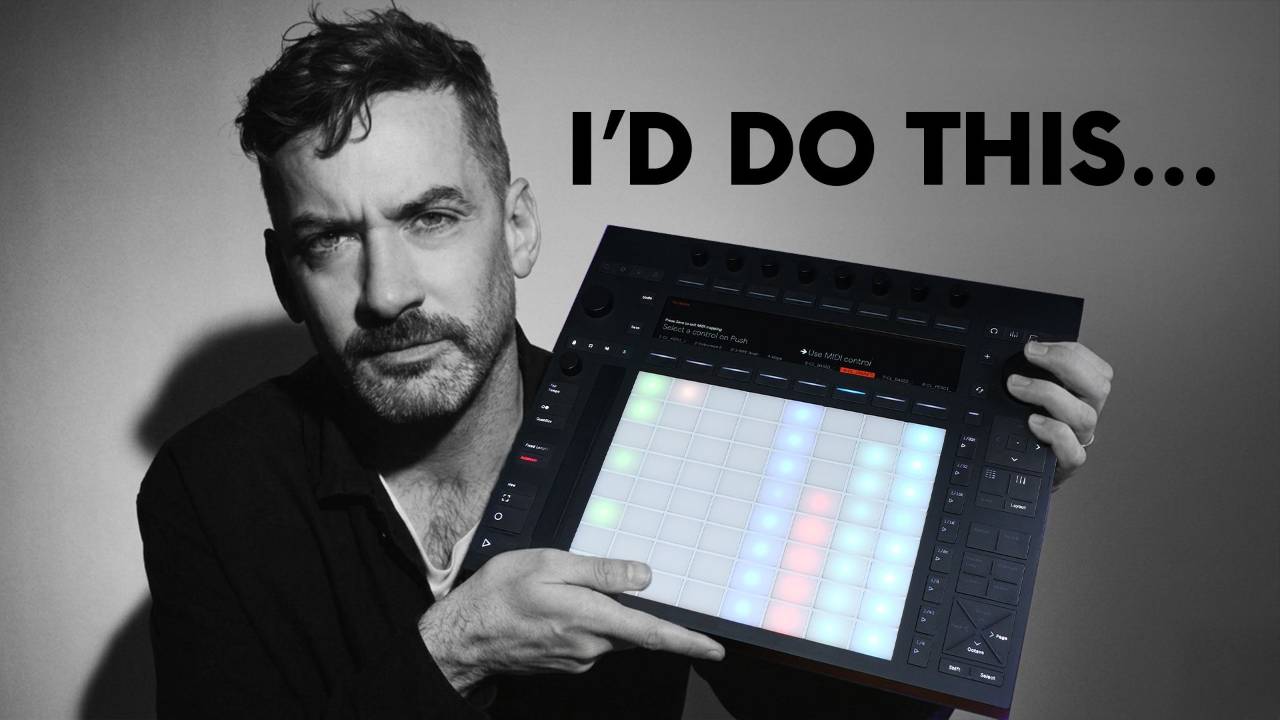
If you've ever listened to Bonobo, you'll know his drums feel different. There's a looseness to them that most electronic music doesn't have. In this post, I'm going to show you how he achieves that, and how to set it up yourself on the Ableton Push 3.
Why Most Drum Loops Feel Repetitive
Most drum programming in electronic music works the same way. Your kick is 4 bars. Your snare is 4 bars. Your hats are 4 bars. Everything resets at the same point, every time.
That's why so many beats feel repetitive after the first 8 bars. Everything is locked together. Nothing shifts. Nothing breathes.
Bonobo doesn't do this. Here's him explaining it in his own words.
"I'll try not to loop everything in fours. So the hi-hats will be a sequence of maybe 5 notes or a bar and a half. And then the snares will repeat in threes. So every hit is slightly different. You get a full sequence of like 16 bars before anything is exactly the same. Even though it's very subtle, it makes it feel a little looser." - Bonobo, Tape Notes 2025
That's the secret. Every loop is a different length. They drift apart, cross over, and keep creating new combinations. The groove stays interesting because it's always slightly shifting.
This technique is called polymeter. 2 or more rhythms of different lengths cycling together. It's been around for centuries in African drumming, world music, and jazz. Bonobo applies it to electronic music. And you can set it up directly on the Push 3 in a couple of minutes.
Setting Odd Clip Lengths in the Push 3 Clip Editor
Start with a few simple Push 3 drums running. Nothing complicated. The problem at this point is they all loop in even lengths, so they get boring fast.
On the Push 3, go into clip editor mode. The encoders across the top control your clip length. Adjust the end or start point away from a standard 4-bar division and you've got your polymeter.
So for example, one clip goes to 5 bars. Another goes to 7.
Press play.
Those 2 loops start to drift immediately. Hits that were landing together begin to move apart. New patterns emerge on their own. You didn't programme any of that. You changed the lengths and let it run.
The Push 3 is doing the variation for you. And it sounds like someone performing the groove live. Because in the way that matters, it is.
That's 1 technique. Now for the second one, which is where it gets really interesting.
Step Velocity and the 5-Note Hi-Hat Cycle
Drop in a straight 16th note hi-hat pattern. On the surface that's about as rigid as it gets. Robotic. Exactly what we're trying to avoid.
Here's how you fix it directly on the Ableton Push 3 Standalone, no laptop required.
The step velocity feature lets you set the velocity of each individual note right there on the device. No automation. Just the encoders and the pads.
Dial in a velocity pattern across those hi-hats. But instead of mapping it across the full bar, make it cycle every 5 notes.
The hi-hats are still on a 16th note grid. But the velocity pattern has its own loop underneath, and it doesn't line up cleanly with the bar. Which means every time those hats come back around, the feel is slightly different. Softer here. Harder there. The pattern is technically repeating but your ears don't hear it that way.
This is exactly what Bonobo was describing. A 5-note hi-hat sequence that never feels like it's looping. And you set the whole thing up without touching your laptop.
Putting It All Together
Polymeter, odd clip lengths, and a 5-note velocity cycle on the hi-hats. That's the whole toolkit for making organic drums in Ableton.
Experiment with different lengths on each layer. Try 3 bars on your snare, 7 on your ghost notes, 5 and a half on your hats. Every combination gives you something different.
Don't have drum one-shots to hand? Grab our free sample pack and load a few hits into Simpler to try this out.
If you want to humanise drums in Ableton without reaching for a plugin, this is one of the most effective ways to do it. You're giving each element its own sense of time and letting them interact.
None of it needs a single plugin. None of it requires you to be a programmer. That's how Bonobo makes programmed drums feel like they're being played. And it's exactly the kind of thing the Push 3 was built for.
Final Thoughts
If you want to hear this in context, the full video is up on the Push Patterns YouTube channel. I walk through both techniques on the Push 3 in real time so you can follow along and set it up in your own session.
These kinds of workflows are what I cover regularly over there, practical stuff that changes how you think about production, not just feature walkthroughs. Come and have a look.
Frequently Asked Questions
What is polymeter?
Polymeter is when 2 or more rhythmic patterns of different lengths play at the same time. Because they don't share the same loop point, they drift apart and create new combinations on every cycle. It's been a core feature of African drumming and jazz for centuries. In electronic music, producers like Bonobo use it to make programmed drums feel loose and human rather than locked to a rigid grid.
How do you make drums sound more human in Ableton?
The most effective way is to vary the velocity of individual hits rather than leaving them all at the same level. On the Ableton Push 3 the step velocity feature lets you do this directly on the device without touching your laptop. Combining that with clips of different lengths, so each drum element loops at a slightly different point, creates the kind of natural variation that makes programmed drums feel played rather than sequenced.
What is step velocity in Ableton Push 3?
Step velocity is a feature on the Ableton Push 3 that lets you set the volume of each individual note in a sequence directly from the device. Instead of every hit being the same level, you can dial in a different velocity for each step using the encoders. It's one of the most useful tools for adding feel and expression to programmed drums without needing any automation or third-party plugins.
How does Bonobo make his drums sound organic?
Bonobo avoids looping everything in standard 4-bar cycles. Instead he sets each drum element, hi-hats, snares, kicks, to different loop lengths so they drift apart and recombine over time. He's described using 5-note hi-hat sequences and snares that repeat in 3s, meaning the full pattern takes 16 bars or more before it repeats exactly. The result is a groove that feels like it's being performed rather than programmed.
Can you use polymeter on Ableton Push 3 Standalone?
Yes. The Push 3 Standalone lets you set individual clip lengths directly in the clip editor using the encoders, no laptop needed. By setting each percussion clip to a different non-standard length, such as 3, 5, or 7 bars, the loops drift apart and generate new rhythmic combinations automatically. It's one of the most powerful things you can do with the Push 3 Standalone for live performance and studio work alike.
About the Author
Craig Lowe is a professional touring playback engineer and Ableton Live educator. He teaches at ICMP, BIMM, and ThinkSpace Education, and runs Push Patterns, a UK-based Ableton Live education brand. He's used Ableton Live for over 10 years, toured the world with it, and worked on 2 prime time Fox TV game shows.
If you are interested in learning Ableton Live 12 or the Push 3 in a bit more detail, check the course here:
