
Four Tet's Sampling Technique on Ableton Push 3: Sequence First, Find Second
Apr 26, 2026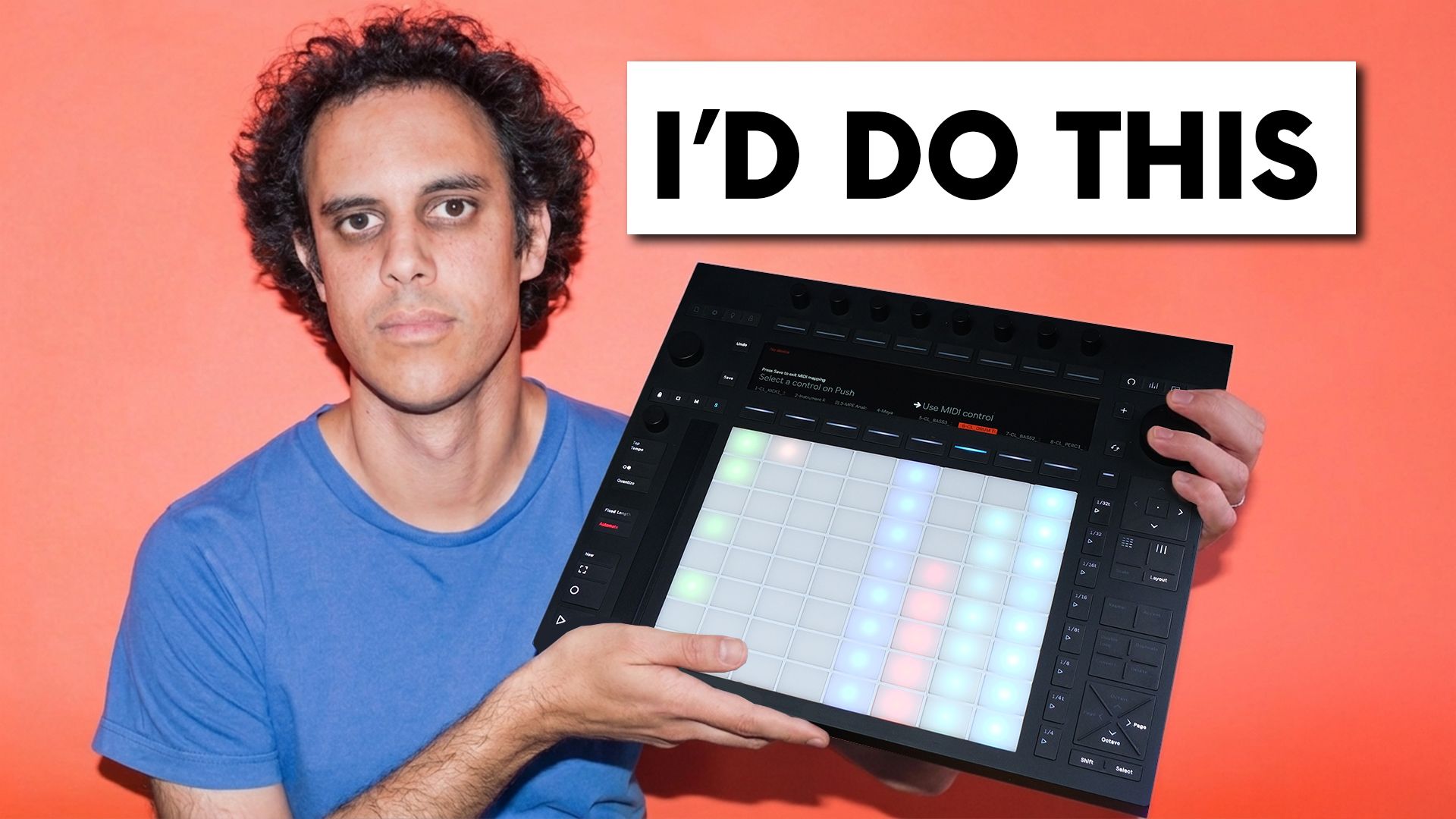
Before I used Ableton, I was on Logic.
Getting into sampling was a nightmare.
No warping, no easy way to chop samples, just constant frustration every time I tried to do anything creative with audio.
Then one day I found a Four Tet Ableton beat challenge on YouTube.
A 10-minute video.
I watched it, paused it halfway through, downloaded the free trial of Ableton Live, and never looked back.
What he did in that video completely changed how I think about sampling in Ableton.
Recently it got me thinking.
This Four Tet sampling technique is actually perfect for Push 3.
You have a built-in audio interface, full Push 3 sampler capability, and everything you need to do this entirely in the box.
This is how Four Tet would use a Push 3.
Ableton Push 3 Sampling: Getting Your Material In
There are 4 ways to get samples into Push 3.
You can drag in pre-recorded samples from your library, record directly through the built-in audio interface with a microphone, or build samples inside Ableton Live and transfer across via the cloud.
That last one is my personal secret weapon for capturing sounds out and about.
But today we're staying true to how Four Tet actually does it.
A vinyl turntable.
This is one of the most satisfying approaches to vinyl sampling in Ableton, and it works beautifully on Push 3.
A small portable turntable with a standard audio output, TRS mini jack straight into the left and right inputs.
Drop the needle, scan through, and capture what feels interesting.
You don't need to know what you're looking for yet.
That's the whole point.
Record a few clips and move on.
The Mindset Flip That Changes Everything
This is the bit that changed everything for me.
Most producers approach sampling in Ableton the same way.
Find the perfect sample first, then build the beat around it.
Sounds logical.
But it's also why you can spend hours digging and end up with nothing.
Four Tet flips it completely.
Sequence the beat first.
Then drag in any sample and scan through while the beat is playing to find the sound hiding inside it.
You're not hunting for the right sample.
You're panning for gold.
A piece of white noise, a radio tuning between stations, random wind chimes.
It doesn't matter what goes in.
With the right MIDI sequence playing underneath, something interesting is almost always in there somewhere.
You just have to find it.
Once you've recorded your clips, convert them to Ableton's Simpler instrument.
That's where the workflow really starts.
Building the Beat: The Full Push 3 Workflow
The process runs in this order: record in, convert to Simpler, sequence, then find.
Start with the kick.
Sequence it out on the grid, drag in a sample, hit play and scan through the start point until something with weight and punch jumps out.
Duplicate the track, move the MIDI to beats 2 and 4, and do the same for the snare.
Look for something percussive, something with a bit of crack to it.
Repeat for the hi-hat with an offbeat pattern, then do a final pass for a melodic loop, letting the sequence play while you move through the sample until something musical appears.
And there it is.
A full track foundation built entirely from scanning through raw recordings.
Kick, snare, hi-hat, melody.
All found, not pre-selected.
The Velocity Trick That Makes It Feel Human
One last thing, and Four Tet does this constantly.
On any of these tracks, pull up the MIDI velocity and randomise it slightly.
Every note hitting at a slightly different level humanises the whole thing instantly.
It stops sounding like a machine and starts sounding like a performance.
That's the whole technique.
Sequence first, find second, embrace the happy accidents.
Final Thoughts
This is just 1 way to use Push 3 as a proper instrument.
If you're looking for a practical Ableton Push 3 tutorial that goes beyond the basics, this is a good place to start.
If you want a full Ableton Simpler tutorial, I cover this technique in detail in the linked video.
I also teach this kind of workflow as part of my courses at ICMP and BIMM, and it's one of the techniques that consistently gets producers unstuck.
More of this kind of content lives over on the Push Patterns YouTube channel, so head over there if you want to keep going.
Frequently Asked Questions
How do you sample in Ableton Live?
To sample in Ableton Live, record or drag in an audio file, then load it into the Simpler instrument.
From there you can set the start and end points, pitch it, chop it, and sequence it with MIDI.
The quickest workflow is to drop your audio onto a MIDI track, let Ableton convert it to Simpler automatically, then use the start point knob to scan through the recording while your beat plays underneath.
That's where the interesting sounds hide.
What is the best way to chop samples in Ableton?
The most flexible way to chop samples in Ableton is inside Simpler.
Load your audio, switch to Classic mode, and use the start and end point controls to isolate the section you want.
For more advanced chopping, Sampler lets you map different sections of a file across multiple pads.
If you're on Push 3, you can do all of this directly on the device without touching your laptop, which makes the whole process feel a lot more hands-on and intuitive.
How does Four Tet make beats?
Four Tet's approach is the opposite of how most producers work.
Rather than finding the perfect sample and building a beat around it, he sequences the beat first, then drags in raw material and scans through it while the sequence plays.
Whatever sounds interesting against the groove becomes the sound.
It's a much faster way to work and leads to more unusual combinations than the standard dig-and-chop method.
Velocity randomisation on individual hits is another constant in his process.
Can you use a vinyl turntable with Ableton Push 3?
Yes.
Push 3 has a built-in audio interface with left and right inputs, so you can connect a turntable directly using a TRS mini jack.
From there you can record straight into Push 3, convert the recording to a Simpler instrument, and start building a beat without ever opening a laptop.
It's one of the most straightforward setups for vinyl sampling in Ableton and works well for capturing quick ideas on a portable turntable.
What is Ableton Simpler and how do you use it?
Ableton Simpler is a streamlined sampler instrument built into Ableton Live.
You load an audio file into it and it gives you control over the start point, end point, loop settings, pitch, and envelope.
It's designed to be quick.
Drop in a sample, adjust the start point to find the section you want, and sequence it with MIDI.
It's one of the most useful tools in Ableton for sampling and works seamlessly with Push 3, where you can control all the key parameters directly from the device.
About the Author
Craig Lowe is a professional touring playback engineer and Ableton Live educator based in the UK.
He teaches at ICMP, BIMM, and ThinkSpace Education, and runs Push Patterns, a YouTube channel and education brand focused on Ableton Live and Push hardware.
He has used Ableton Live on tour and on 2 primetime Fox TV game shows.
If you are interested in learning Ableton Live 12 or the Push 3 in a bit more detail, check the course here:
