
Ableton Live vs Push 3: Which Do You Actually Need?
May 05, 2026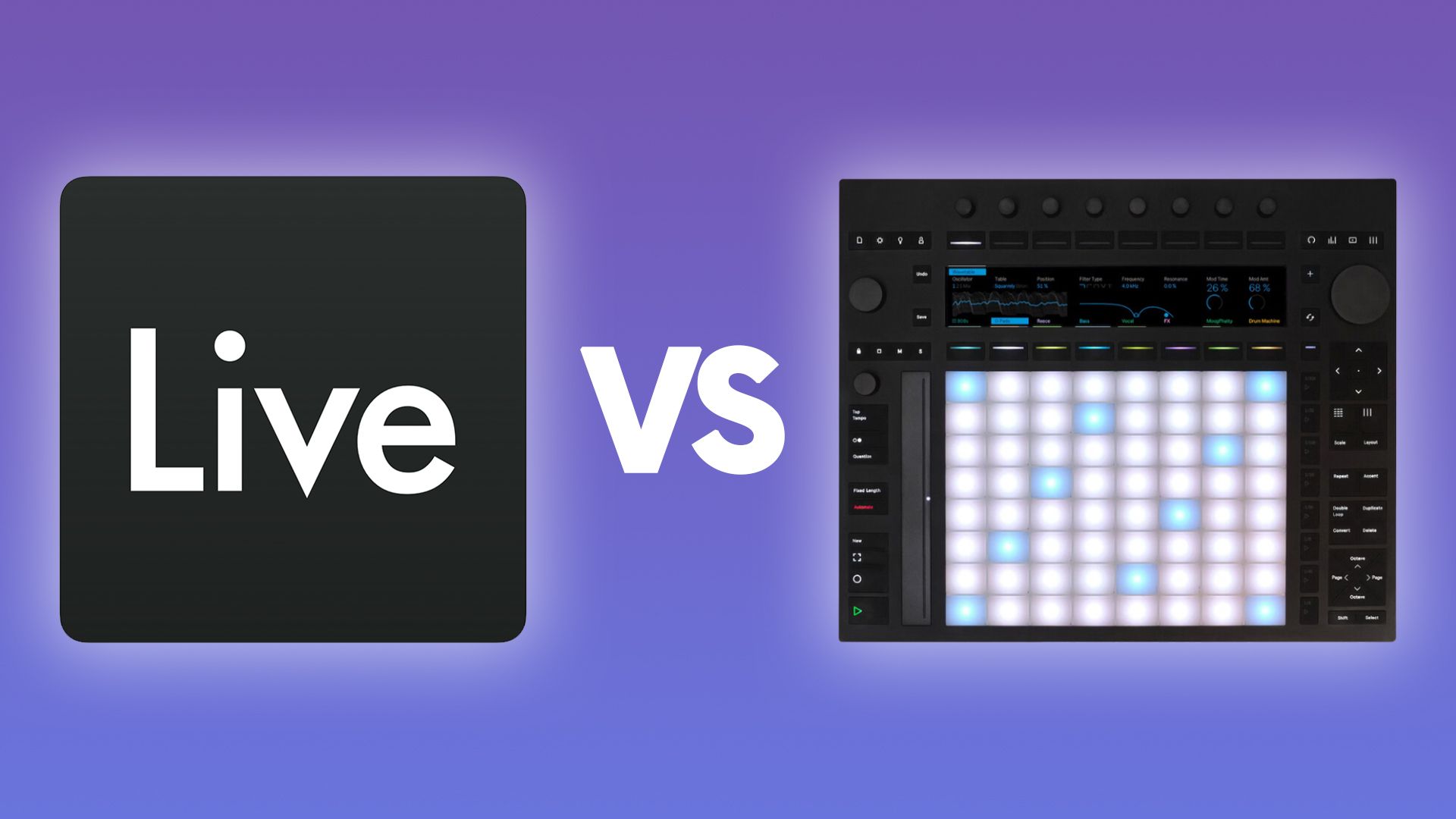
If you've been weighing up Ableton Live or Push 3, you've probably seen the hardware and thought,
"I want that."
Then you've wondered whether you need Ableton Live first, or whether the Push does everything on its own.
Maybe you already have Live and you're not sure what the Push actually adds.
Either way, the answer to "which do you need?" is a bit of a trick question.
Let me explain.
They're Not Competitors. They're the Same Thing.
Ableton Live is the software.
Push 3 is the Ableton Live hardware controller.
They're designed to work together, not instead of each other.
That said, Push 3 standalone is a different beast.
The standalone version runs Ableton Live on the inside but feels like a completely separate instrument on the outside.
No laptop, no screen, no mouse.
Just pads, knobs, and a display.
It's portable, tactile, and genuinely feels like playing an instrument rather than producing in a DAW.
So the real question isn't "Live or Push?"
It's "where do I start, and what do I actually need right now?"
Start with Ableton Live
Ableton Live's Session View is unlike anything in Logic, Pro Tools, or most other DAWs.
It's non-linear.
You work in loops, build ideas in clips, and trigger sections using scenes rather than a traditional left-to-right timeline.
It's fantastic once it clicks.
But it can be a lot to take in.
I've seen this first-hand.
When I ran an Exploring Creative Technology module at ICMP in London, students would walk in having never used Ableton before, mostly coming from Logic.
They'd sit down in front of a Push, look at it, and immediately get overwhelmed.
Not because the Push is complicated, but because they didn't yet understand the Ableton workflow underneath it.
That's why I always say to try the 30-day free trial of Ableton Live first.
Get comfortable with Session View on your computer.
If the clip-based, loop-driven way of working feels right and you're actually making music, then it's time to think about hardware.
If you want a head start on that, I've put together a free Ableton Live training course that covers the Session View foundations.
The Push 3 Is an Instrument in Its Own Right
Once you're comfortable with the workflow, Push 3 makes a lot more sense.
And here's the thing people get wrong.
You don't need to be an Ableton expert before you get one.
The Push has features you simply don't get on a computer.
Fixed-length record is one of my favourites.
You set a loop length, say 2 bars, hit record, and it automatically captures and plays back the loop without you having to do anything.
There's no equivalent in Ableton Live on its own.
It's brilliant for sketching ideas quickly without breaking flow.
Note Mode is another one.
It lays out notes like a fretboard, articulated like a piano.
It's a completely different way of thinking about playing music.
Then there are the MPE pads, which give you an extra layer of expression on MIDI instruments that you can't replicate with a mouse.
For hardware producers, the Push 3 standalone also outputs CV audio, which means you can send MIDI and audio directly to modular gear.
It's got ADAT, DIN MIDI, USB MIDI, and class-compliant audio interface support.
I've built a full DAWless setup around mine.
Push as the hub, an RME audio interface plugged in, and all my modular gear running in and out of it.
The reason I did that isn't just technical.
It's a mindset shift.
When I'm stuck at my computer, I can walk over to that setup and just play.
No screen, no temptation to edit everything into perfection.
I'm jamming.
The Push acts as sequencer, effects processor, and tape machine all at once.
When I'm ready to take that further, I bring it back into Ableton Live.
The new Live 12.4 update lets you stream audio wirelessly from Push directly into Ableton, which makes that handoff seamless.
Ableton's Cloud is another way to do it.
There's always a route back into full production mode when you're ready.
What Push Can't Do
Being honest about this matters.
Push 3 works exclusively in Session View.
You can record an arrangement on it, but you can't edit it.
No Arrangement View, no fine-tuning regions, no traditional timeline editing.
A lot of people want that, and it's not there yet.
You also can't export finished audio directly from the Push.
You'll need to bring the project into Ableton Live to do that.
And in standalone mode, there's no support for third-party VSTs or external plug-ins.
You get all the stock Ableton instruments and effects, plus Max for Live devices, but your external plug-in library stays on your computer.
In controller mode, plugged into your laptop, you can still control everything.
But standalone is its own contained world.
If you work primarily by recording audio to a linear timeline, layering up tracks, and editing in a traditional DAW way, Push probably isn't the right tool for you.
The whole thing is built around loops and clips.
Controller First, Standalone Later
If you've tried the free trial, the workflow clicks, and you want to go further, my honest recommendation is to buy the Ableton Push 3 controller first.
It's significantly cheaper.
It connects to Ableton Live and comes bundled with Ableton Live Intro, so you don't have to buy both separately to get started.
Intro has some limitations on track count and devices, but it's enough to get going.
If you do hit the limits of Intro and want to know what each tier actually unlocks, this breakdown of Intro vs Standard vs Suite is the one to read.
If you eventually feel the pull toward standalone, you can upgrade the hardware later.
That's what I did.
I used the controller version for a long time before I felt I genuinely needed to be away from the computer.
When that moment came, the upgrade made complete sense.
If it never comes, you've saved a lot of money.
The same logic applies to Live itself.
If you hit the limits of Intro, upgrading is straightforward.
Ableton has rent-to-own options and educational discounts worth looking into.
One honest note on the standalone and portability.
The battery life is around 2.5 hours, it's heavy, and it gets warm.
I did try taking mine on the train when I first got it.
Not ideal.
If you want something genuinely portable for out-of-the-house use, the Ableton Move is worth a look.
The Push 3 standalone is better suited as a studio piece, whether that's a DAWless setup or just a second creative station away from your desk.
Where the 2 Come Together
Here's the thing I want you to take away from this.
Ableton Live is at the core of both products.
The Push 3 standalone literally runs Ableton Live on the inside.
They're not separate worlds.
If you learn Live first, pick up a Push and it'll make sense immediately.
If you go Push first and then move to Live on a computer, that will also make sense.
The knowledge transfers both ways.
Over 1,000 students have gone through my courses on this, with a 4.7 rating on Trustpilot.
The feedback I hear most is that people had been stuck for months trying to figure this stuff out on their own, and a structured approach finally made it click.
Key Takeaways
- Ableton Live and Push 3 are not competitors. Live is the software and Push is the hardware controller, and the Push 3 standalone literally runs Live on the inside.
- Start with the 30-day free trial before buying any hardware. Get comfortable with Session View on a computer first so the workflow underneath the Push actually makes sense when you sit down with one.
- The controller version is the smarter first purchase. It's significantly cheaper, comes bundled with Ableton Live Intro, and you can always upgrade to standalone later if the pull toward DAWless ever comes.
- Push 3 has features you can't get on a computer. Fixed-length record, Note Mode, and MPE pads add a layer of expression and flow that working with a mouse can't replicate.
- Push 3 standalone has real limitations worth knowing. No Arrangement View editing, no audio export from the device, and no third-party VSTs in standalone mode. If you work in a linear timeline, Push probably isn't for you.
- Treat the Push 3 standalone as a studio piece, not a portable device. The battery is around 2.5 hours, it's heavy, and it gets warm. For genuinely portable use, the Ableton Move makes more sense.
Final Thoughts
The "Live or Push?" question almost always comes from a place of wanting to skip a step.
Buy the hardware, look the part, get good.
It rarely works that way.
Get the foundation right first.
Use the free trial.
Spend a few weeks in Session View.
If the workflow clicks, the Push 3 will feel like an extension of something you already understand rather than a piece of gear you're trying to wrestle into shape.
If you want a structured route through Push 3 from unboxing onwards rather than picking through scattered tutorials, the free Ableton Push 3 course is the place to start.
If you want to see how all of this works in practice, head over to the Push Patterns YouTube channel where I walk through the workflow, the hardware, and the routes between them in detail.
Frequently Asked Questions
Do I need to buy Ableton Live separately to use Push 3?
No.
Both versions of Push 3 come pre-loaded with Ableton Live 12 Intro, so you can make music straight out of the box without buying anything else.
Intro has limits on track count and devices, but it's enough to learn on.
If you already own a Live Standard or Suite licence, you can authorise it on Push to unlock the full instrument and effects library.
The thing to watch is your total budget.
The hardware price is not the full picture if you eventually want to upgrade Live.
What's the difference between the Ableton Push 3 standalone and controller?
Same hardware, same pads, same display.
The Ableton Push 3 standalone has a processor, battery, and SSD built in, so it runs Ableton Live independently with no laptop.
The controller version has to be plugged into a laptop running Ableton to do anything at all.
If you're producing at home and you're already in front of a computer, the controller does the job for less money.
If you want to perform live or work away from your desk, standalone is worth the extra.
You can also upgrade the controller later if your needs change.
Can Push 3 standalone work without a computer at all?
Yes, that's the whole point of the standalone version.
Once it's authorised, you can leave the laptop at home and run full sessions on the device.
The honest caveat is that battery life is around 2.5 hours, the unit is heavy, and the heatsink area on the bottom can get hot during use.
It's better suited as a studio piece or a stage instrument than a take-it-on-the-train device.
If true portability is what you're after, the Ableton Move sits in a different category and is worth a look.
Will my existing Ableton Live projects work on Push 3?
Mostly, but with one big caveat.
Push 3 is built around Session View, so any project you've built using clips and scenes will transfer fine.
Arrangement View is the issue.
You can load a Set with an arrangement on it and play it back, but you cannot edit the arrangement timeline on Push in standalone mode.
You also need to freeze any tracks that use third-party VSTs before transferring, because Push standalone does not support external plugins.
For pure Session View work the handoff is seamless.
Is the Ableton workflow easier to learn on Push 3 or on a computer?
Start on the computer.
The Ableton workflow is built around Session View, clips, and scenes, and it's much easier to make sense of that on a screen with a mouse than on a grid of pads.
I've watched students at ICMP and BIMM sit down at a Push 3 with no Live experience and immediately get overwhelmed.
The hardware is brilliant once the workflow underneath it makes sense, but the workflow has to come first.
Get comfortable in Session View on a free trial of Live, then pick up a Push.
What version of Ableton Live do I need for Push 3?
Push 3 requires Ableton Live 11.3 or later.
Live 10 and anything older will not work with it.
Both versions of Push 3 ship with Live 12 Intro pre-loaded, so the version on the hardware is already current out of the box.
If you have a Live Standard or Suite licence on your computer, you can authorise it on Push over Wi-Fi and unlock all the extra instruments, effects, and Packs that come with your licence.
There is no extra cost to authorising your existing licence on the device.
About the Author
Craig Lowe is a professional touring playback engineer and Ableton Live educator based in the UK.
He teaches at ICMP, BIMM, and ThinkSpace Education, and runs Push Patterns, a music production education brand at pushpatterns.com.
If you are interested in learning Ableton Live 12 or the Push 3 in a bit more detail, check the course here:
