
Sonible Smart Comp 3 Review: One-Click Compression, Spectral Ducking & Game-Changing Features
Jan 24, 2026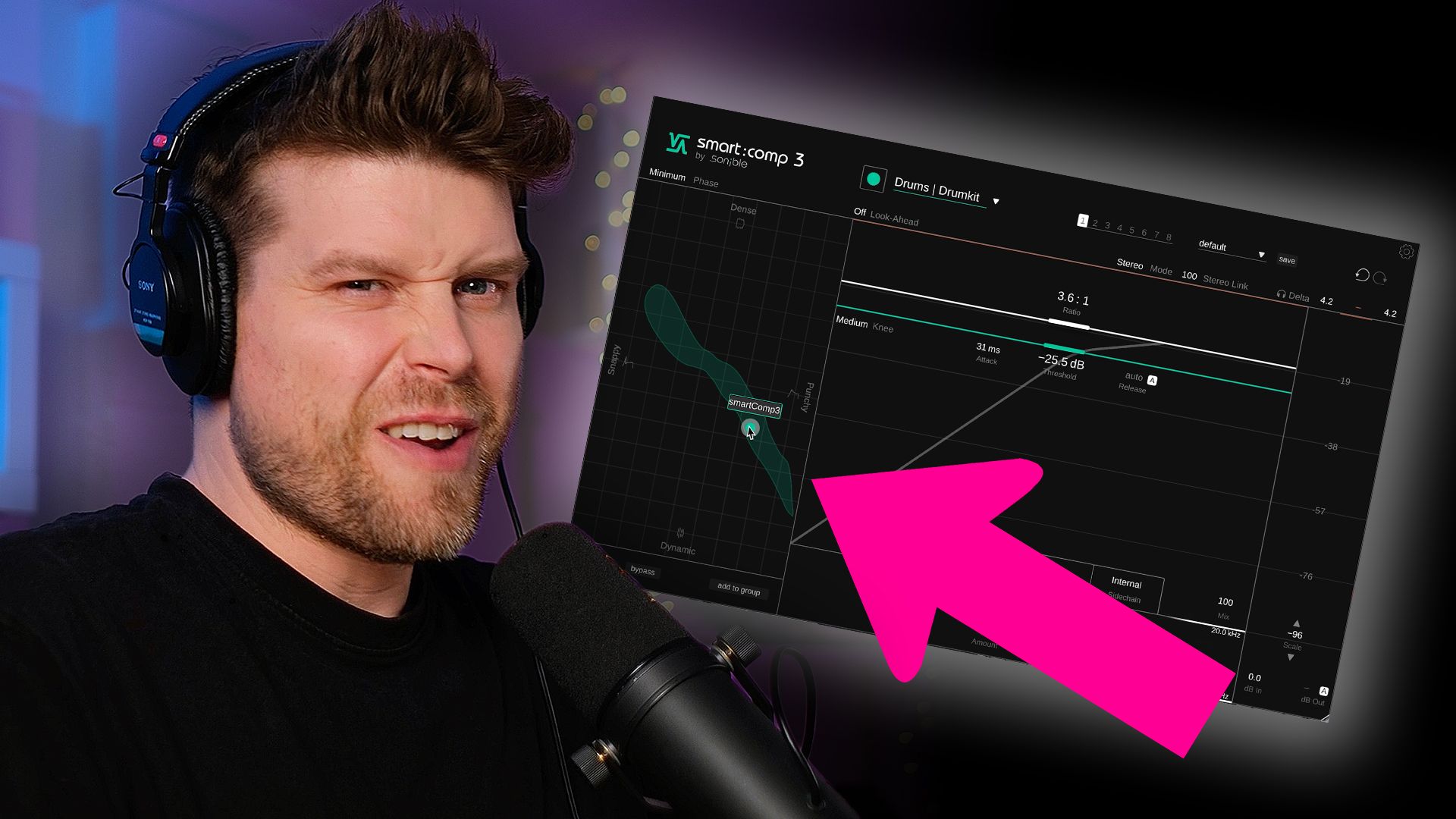
If you’ve ever lost an hour tweaking compressor settings and still felt unsure, Smart Comp 3 is about to change your life. It automates the technical setup with a single click, offering fast, intelligent results.
Key Takeaways
-
Instant compression setup with instrument profiles
-
Compression Scope gives a smart, dynamic range
-
Spectral compression and ducking isolate frequency control
-
Input riding smooths out inconsistent signals
-
Group control manages multiple compressors at once
What Does Smart Comp 3 Do Better Than Other Compressors?
Smart Comp 3 uses intelligent audio analysis to automatically apply optimal compression settings. Once you select your instrument type and play audio, it analyses the input and presents a "compression scope", a visual guide to appropriate settings.
You adjust one simple control dot to make the sound more punchy, dense, snappy, or dynamic, while Smart Comp 3 handles the fine-tuning in the background.
How Does the Compression Scope Work?
Once analysis is complete, you’re given a green "compression scope" blob, a visual range of sensible compression settings. The more dynamic your input, the larger the blob. The interface restricts movement within this zone, protecting your mix from extreme settings.
You can override this by disabling auto-release and diving into the advanced parameters. From here, you can:
-
Adjust attack and release times manually
-
Choose between clean, smooth, aggressive, or custom modes
-
Manually control saturation curves
What Is Input Riding and Why Is It Useful?
Input riding automatically adjusts the volume of incoming audio before it hits the compressor. This prevents louder hits (like a rogue loud snare hit) from triggering over-compression.
You can:
-
Set the target volume
-
Choose fast, medium, or slow modes
-
Dial in how much adjustment you want
This results in a more consistent input, letting your compressor do a better job.
What Is Spectral Compression?
Spectral compression splits the signal into tiny frequency bands, compressing each separately. For example:
-
Kick too boomy? Only compress the sub frequencies.
-
Want sparkle? Leave the highs untouched.
You can set the tone to neutral, bright, or warm and see which frequencies are being compressed most. It's a surgical tool for tonal balance.
How Does Smart Comp 3 Handle Sidechaining?
Switching to external sidechain mode lets Smart Comp 3 perform spectral ducking. Rather than ducking the entire sound, it ducks only specific frequency ranges.
To set it up:
-
Switch sidechain mode to external
-
Route in your kick or other trigger
-
Select the correct profile for the sidechain signal
-
Hit Relearn for accurate results
Then you can control ducking in the compression scope and tweak release time to match your groove.
Can Smart Comp 3 Control Multiple Compressors?
Yes, and it’s brilliant. The Groups feature lets you assign compressors across different tracks into a single control group.
You can:
-
Create multiple named groups (e.g. drums, bass)
-
Adjust all related compressors at once
-
See and control every compressor from a shared view
Click any dot in the group and Smart Comp 3 switches instantly to that track’s compressor, perfect for fast mix-wide changes.
FAQs About Smart Comp 3
1. Can Smart Comp 3 work on vocals?
Yes, just select a vocal profile for accurate compression results.
2. Is spectral ducking better than normal sidechain compression?
Yes, because it only ducks targeted frequencies instead of the entire signal.
3. Can I use Smart Comp 3 manually?
Absolutely, turn off auto functions and dial in attack, release, and saturation.
4. Is Smart Comp 3 good for beginners?
Yes, it’s beginner-friendly with one-dial control but powerful enough for pros.
5. Does it support multiple plugin instances?
Yes, and the Group feature makes managing them easy.
Final Verdict: Is Smart Comp 3 Worth It?
Yes. If you're tired of second-guessing your compressor settings, Smart Comp 3 delivers fast, intelligent, and musical results. Its features, like compression scope, input riding, spectral ducking, and group control, offer a level of power and convenience rarely seen in one plugin.
It's earned a permanent spot in my plugin toolkit, and with a free trial available, it’s well worth trying.
Try it for free here - https://www.sonible.com/smartcomp3
Also, get 30% off with discount code - pushpatterns30
If you are interested in learning Ableton Live 12 or the Push 3 in a bit more detail, check the course here:
