
How to Fix Modular Synth Latency in Ableton Live (Use This CV Tools Trick)
Jan 13, 2026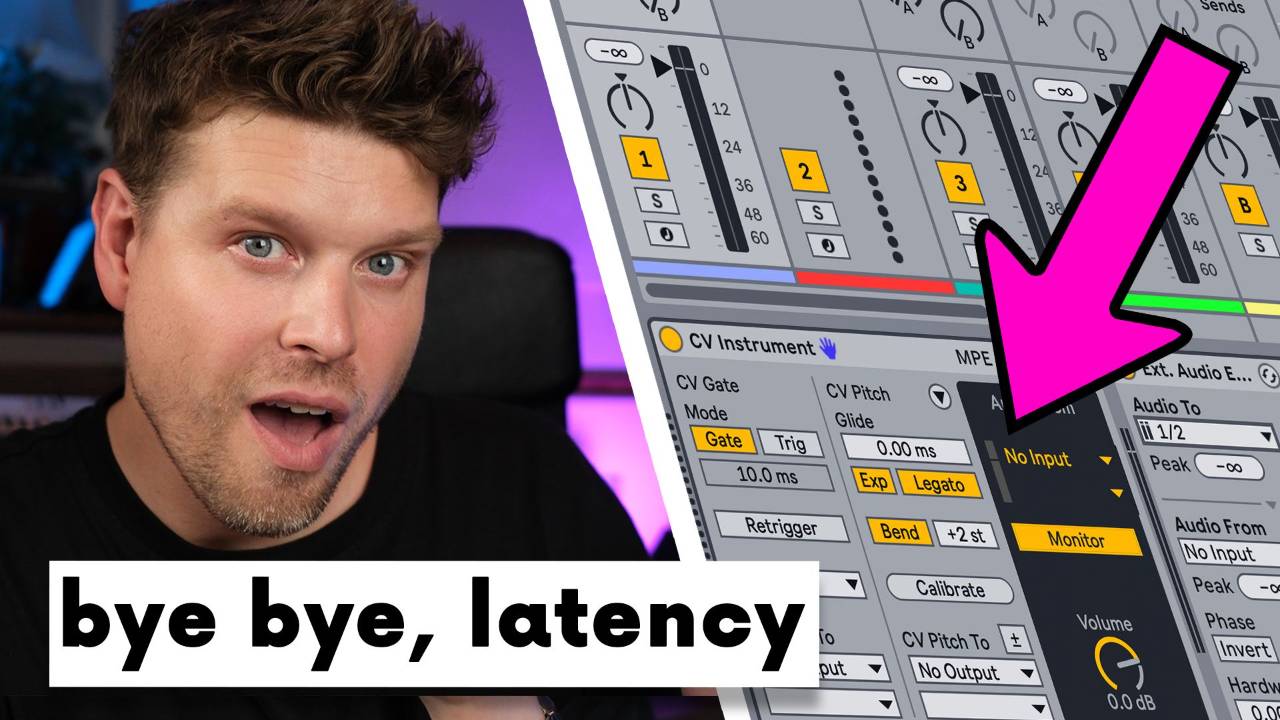
Struggling with modular latency in Ableton? Use the External Audio Effect device after CV Instrument to fix it. This guide shows how to keep your modular synth in perfect sync with Ableton Live, whether you're using Eurorack, CV Tools, or Push 3.
Key Takeaways
-
CV Tools does not apply latency compensation to audio returns
-
Modular recordings often land late due to round trip delay
-
Use External Audio Effect after CV Instrument to fix this
-
You’ll get sample accurate timing while monitoring
-
Push 3 users need CV Adapter or ADAT for proper CV
What Causes Latency with Modular Synths in Ableton Live?
Why does your modular audio record late?
Because CV Tools doesn’t apply latency compensation to incoming audio. When you use CV Instrument, your modular gear plays in time, but the recordings land late, off by your audio interface’s round trip latency.
This makes everything feel slightly off grid, even if you calibrated CV Tools correctly.
What’s the Best Way to Fix Modular Latency in Ableton?
Use the External Audio Effect device after CV Instrument.
It lets you manually shift the return audio earlier, fixing the delay with sample level precision.
This means:
-
No more nudging clips manually
-
Monitoring and recording stay in sync
Let's see how to set it all up from scratch...
How Do I Sync Modular Synths with CV Tools? (Step by Step)
1. Configure Audio Interface Outputs
-
Open Audio Preferences in Ableton Live
-
Set hardware outputs:
-
Output 5 = Gate
-
Output 6 = Pitch (CV)
-
2. Load CV Instrument on a MIDI Track
-
Drag CV Instrument from Max for Live onto a MIDI track
-
Set Gate to Output 5
-
Set Pitch to Output 6
-
Set Audio Return to modular input (e.g. Input 3)
3. Calibrate the Oscillator
-
Turn monitoring off
-
Manually tune the oscillator to C3
-
Click Start Calibration in CV Instrument
4. Insert External Audio Effect After CV Instrument
-
Add External Audio Effect on the same track, after CV Instrument
-
Set Audio From to your modular’s return input (same as CV Instrument)
-
Leave Audio To empty
5. Adjust Latency Compensation
-
Use the Latency dial in External Audio Effect
-
Start with 50 ms, then reduce until the timing feels right
-
In practice, 40 ms was often spot on
This locks your modular synth perfectly to Ableton’s grid, no clip shifting required.
Why CV Instrument Alone Doesn’t Fix Latency
CV Instrument doesn’t allow delay compensation on return audio. It just receives audio, without shifting it earlier.
The External Audio Effect solves this by allowing manual latency correction. Even if you're not sending audio out through it, you can still shift the incoming modular signal forward.
This is the only reliable method to monitor through Ableton and stay in perfect sync.
FAQs – Fixing Modular Latency in Ableton Live
1. Why is my modular synth audio recorded late in Ableton Live?
Because CV Tools doesn’t apply latency compensation. Your recordings are delayed by round trip audio latency.
2. How do I fix latency when monitoring through Ableton?
Add the External Audio Effect after CV Instrument. Adjust the Latency dial until the signal aligns.
3. Can I fix CV Instrument latency with Track Delay?
No. Track Delay only shifts note timing, not incoming audio. It won’t fix the recorded latency.
4. Does Push 3 output CV correctly?
Yes, but only with the CV Adapter or an ADAT to CV interface. Main outputs are audio only.
5. Do I need a DC coupled interface for CV Tools?
Yes, for pitch and modulation signals. Clock and triggers may work with AC coupled outputs.
Final Recommendation: Use External Audio Effect for Sync
To monitor and record your modular synth in perfect sync with Ableton Live:
Always insert an External Audio Effect after CV Instrument and adjust the latency dial.
It’s the only way to fully compensate round trip delay and keep everything tight inside Ableton.
If you are interested in learning Ableton Live 12 or the Push 3 in a bit more detail, check the course here:
