
Best Max for Live Synths for Ableton Live (That Also Work on Push 3 Standalone)
Feb 22, 2026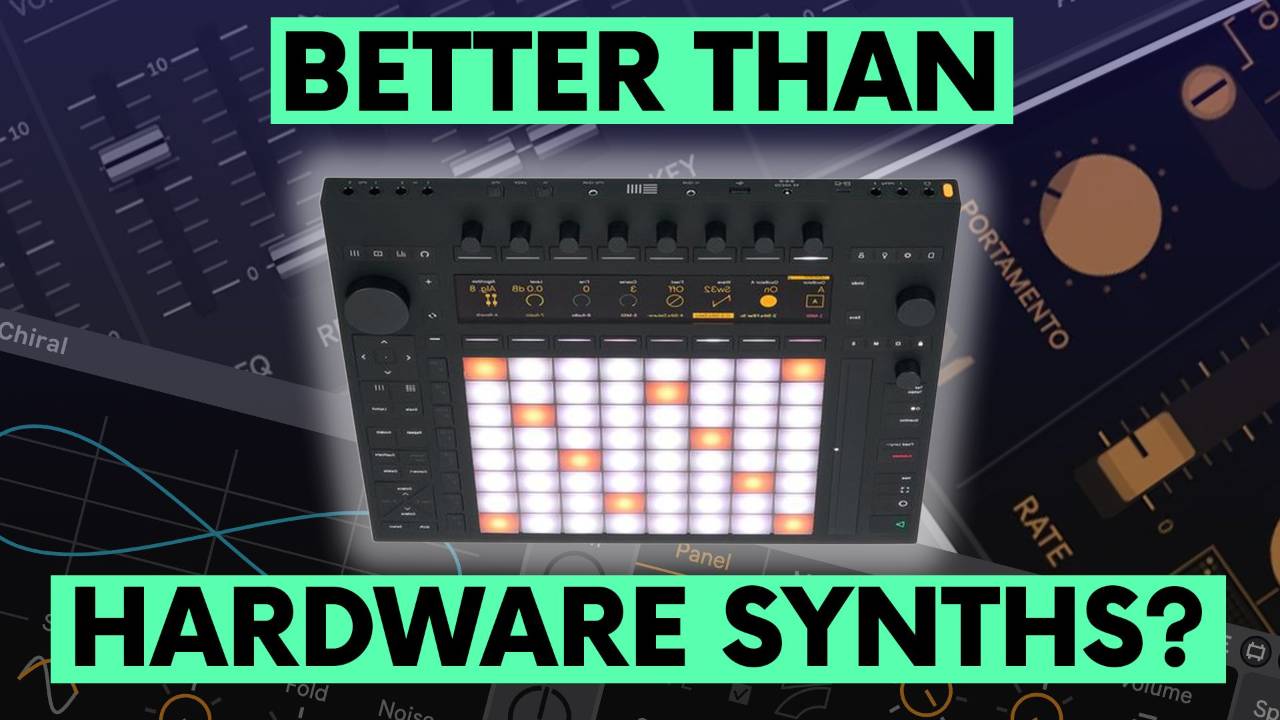
If you've been searching for the best Max for Live synths for Ableton Live without spending a fortune on expensive plugins, this is worth your time.
In this post, we're looking at 3 affordable Ableton synth plugins that deliver serious analog emulation in Ableton Live, and all three work on Push 3 Standalone.
Whether you're after that classic Juno warmth, an SH-101 style bass, or something genuinely new, these devices punch well above their price.
Key Takeaways
-
Maya delivers warm Juno-style analogue tones
-
Mono One excels at punchy SH-101 style bass
-
Both run smoothly on Push 3 Standalone
-
Affordable, lightweight and production ready
-
Ideal for fast sound design inside Ableton Live
Why Are Maya and Mono One So Underrated?
Many producers assume Max for Live instruments are experimental tools rather than serious synths.
That assumption is wrong.
Maya and Mono One sound polished and musical. They are not novelty devices. They are practical, track-ready instruments that integrate directly with Ableton Live and Push 3 Standalone.
What Makes Maya Sound So Good?
Maya
Maya is inspired by classic Roland-style analogue polysynth design.
It excels at:
-
Warm pads
-
Expressive chords
-
Vintage-style stabs
-
Lush textures with depth
The tone feels full without heavy processing. You can dial in usable sounds quickly. For producers who want Juno-style character without leaving Ableton, Maya is a serious option.
Is Mono One a Proper SH-101 Style Alternative?
Mono One
Yes, especially for bass and lead work.
Mono One captures the tight, focused energy associated with SH-101 style mono synths. It feels immediate and direct.
Where it shines:
-
Driving basslines
-
Acid-inspired sequences
-
Snappy leads
-
Fast, responsive envelopes
It cuts through a mix cleanly and works extremely well inside Push 3 Standalone where quick sound shaping matters.
Do These Synths Work Well on Push 3 Standalone?
Ableton Push 3
Yes, and this is one of the biggest reasons they matter.
Because they are Max for Live devices:
-
No plugin scanning
-
No third-party authorisation tools
-
Native integration
-
Lightweight CPU usage
If you are building a Push 3 Standalone setup, native Max for Live instruments make your workflow simpler and more stable.
How Do You Install Maya and Mono One?
The installation process is straightforward:
-
Download the .amxd device file
-
Open Ableton Live
-
Drag the file into your User Library
-
Load it onto a MIDI track
-
Save it as a preset for Push access
There is no complex setup. You install and start creating.
Are These Better Than Expensive VST Plugins?
They are not trying to replace every flagship synth on the market.
However, for analogue-style warmth and punchy mono sounds, they cover a lot of ground. If your goal is strong bass, musical pads and quick workflow inside Push 3, you may not need another costly plugin.
The key advantage is integration. They feel native because they are native.
Top 5 FAQs About Maya and Mono One
1. Are Max for Live synths professional quality?
Yes. Maya and Mono One produce mix-ready sounds suitable for serious releases.
2. Do Maya and Mono One work on Push 3 Standalone?
Yes. They run as native Max for Live devices inside the Push ecosystem.
3. Is Mono One similar to a SH-101?
It delivers the same style of tight mono bass and lead character.
4. Is Maya inspired by a Juno-style synth?
Yes. Its architecture and tone are influenced by classic Roland-style analogue polysynths.
5. Are these instruments suitable for beginners?
Yes. The interfaces are clear and encourage fast, hands-on sound design.
Final Recommendation
If you want warm analogue-style pads and chords, start with Maya.
If you want punchy bass and cutting leads, choose Mono One.
Both are affordable, powerful and fully compatible with Push 3 Standalone. Before buying another plugin, explore what these Max for Live instruments can already do inside your existing setup.
If you are interested in learning Ableton Live 12 or the Push 3 in a bit more detail, check the course here:
