
Stop Your MacBook From Dying Mid-Show
The 12 settings you need to change before taking Ableton Live on stage
📢 PS. Your email may take up to 5 minutes to arrive and could land in Promotions, Junk, or Spam folders!
I've seen too many laptops die on stage mid-song.
Screen goes black. Music stops. The crowd goes quiet.
All because of settings that take 15 minutes to fix.
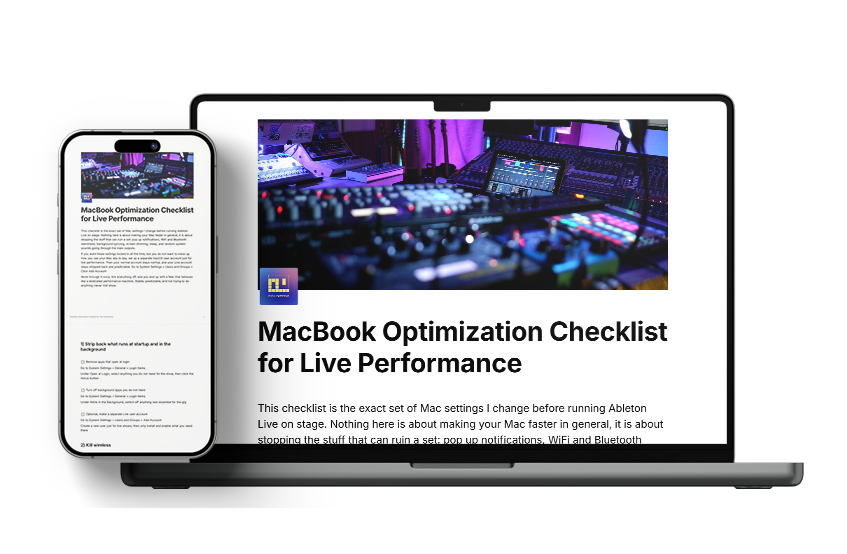
This checklist walks you through exactly what to change on your MacBook so it doesn't sleep, freeze, or crash when you're performing live with Ableton.
Inside the checklist:

Battery settings that prevent mid-show shutdowns
Display settings so your screen doesn't go black
Network settings that stop background updates
Notifications turned off (so Slack doesn't pop up during your set)
Audio settings optimised for low latency